Prompt to image, with every prompt edit saved as a version

Your images land here

Each one carries its seed. Lock a seed, change one word, and the version tree on the left shows exactly what changed.

Added to the end of your prompt as one "Avoid: …" sentence. A hint, not a filter: describing what you want works better.

Model
Size
Shape
Seed

Unlocked: every image gets a new seed. Each result still shows its seed, so you can keep any of them.

Run
How many
Look
Sign up free: 11 credits once

One Flux 3 Klein image is 11 credits. No card needed.

Long prompts are where prompt to image gets hard: you add a clause, the picture changes everywhere, and you cannot tell whether the new words helped. This studio keeps the seed fixed while you work and saves every edit as a version, with the added and removed words marked. Prompts can run to 800 characters, with a separate avoid list of up to 300.

Updated

How to do it in the studio

  1. 1

    Paste your prompt

    Paste or write the full prompt, and move anything you want kept out into the avoid field. The studio tells you how each model reads the avoid list.

  2. 2

    Run it, then lock the seed

    Generate 1 to 4 images, pick the best, and keep its seed. From now on, each change to the prompt runs on that seed.

  3. 3

    Edit and compare versions

    Each run with changed settings becomes a child version in the rail. Open any version to see the word diff against its parent, branch from it, and pin the one that works.

Who it helps

  • Detailed prompts with several subjects, materials and lighting notes
  • Finding out which clause of a long prompt is doing the work
  • Client work where you need to show how an image got where it is
  • Comparing looks on one prompt before committing to one
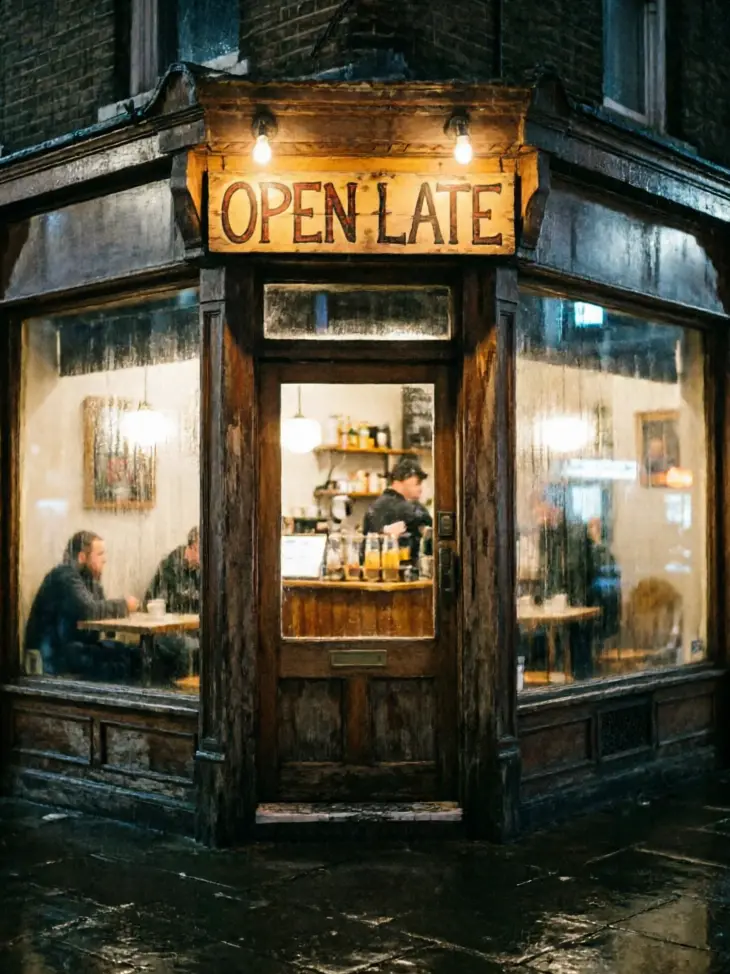
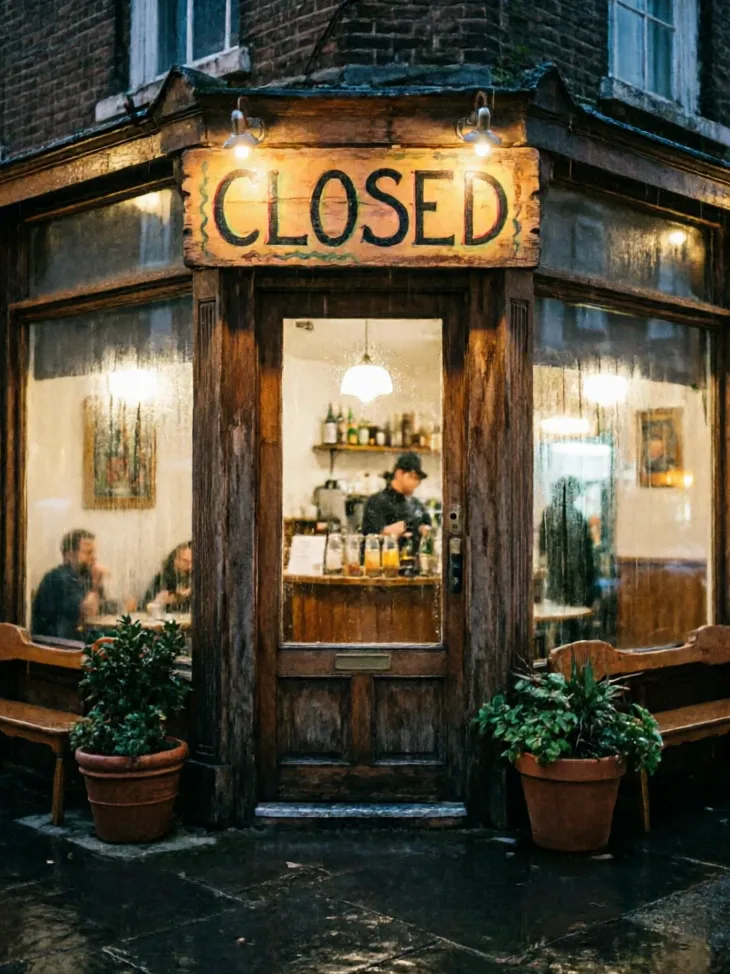
The same rainy corner cafe twice: the painted sign reads OPEN LATE, then CLOSED, with everything else unchangedBeforeAfter

Before

A small corner cafe at night seen from the street, a hand-painted wooden sign above the door that says "OPEN LATE", rain on the window

After

A small corner cafe at night seen from the street, a hand-painted wooden sign above the door that says "CLOSED", rain on the window

1K · seed 90217
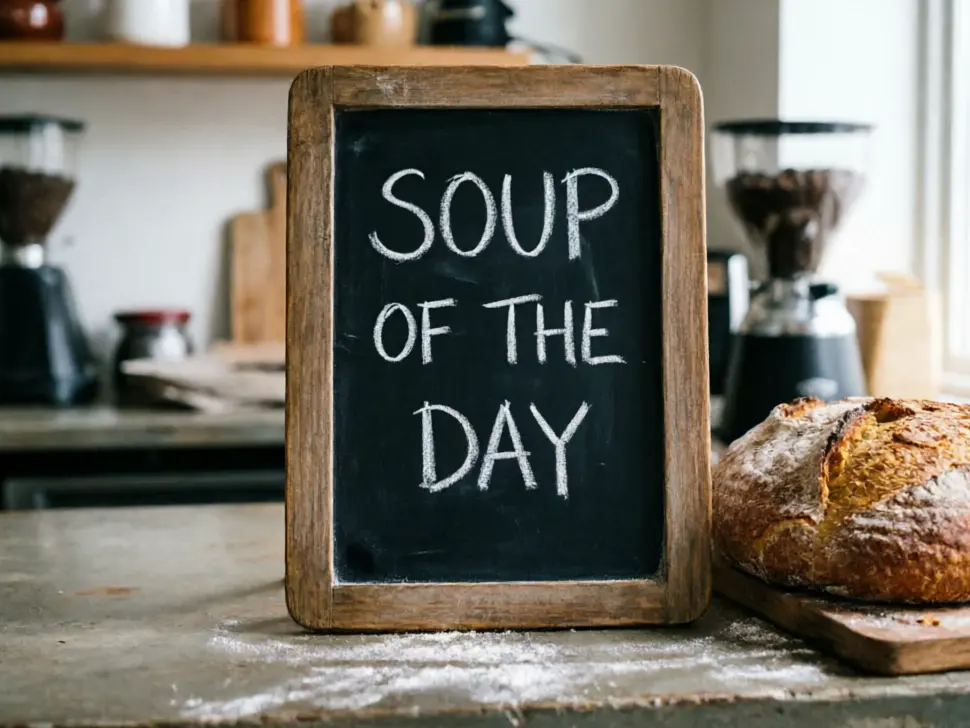
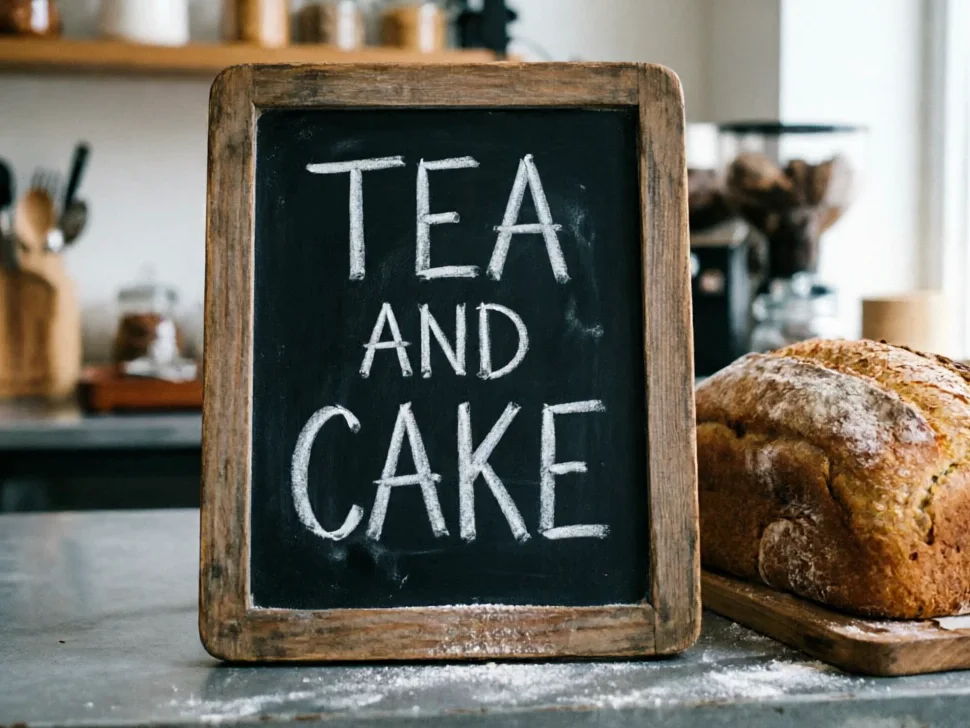
A bakery chalkboard reading SOUP OF THE DAY, then the same board and counter reading TEA AND CAKEBeforeAfter

Before

A chalkboard menu on a bakery counter with neat hand lettering that says "SOUP OF THE DAY", a loaf of bread beside it

After

A chalkboard menu on a bakery counter with neat hand lettering that says "TEA AND CAKE", a loaf of bread beside it

1K · seed 33105

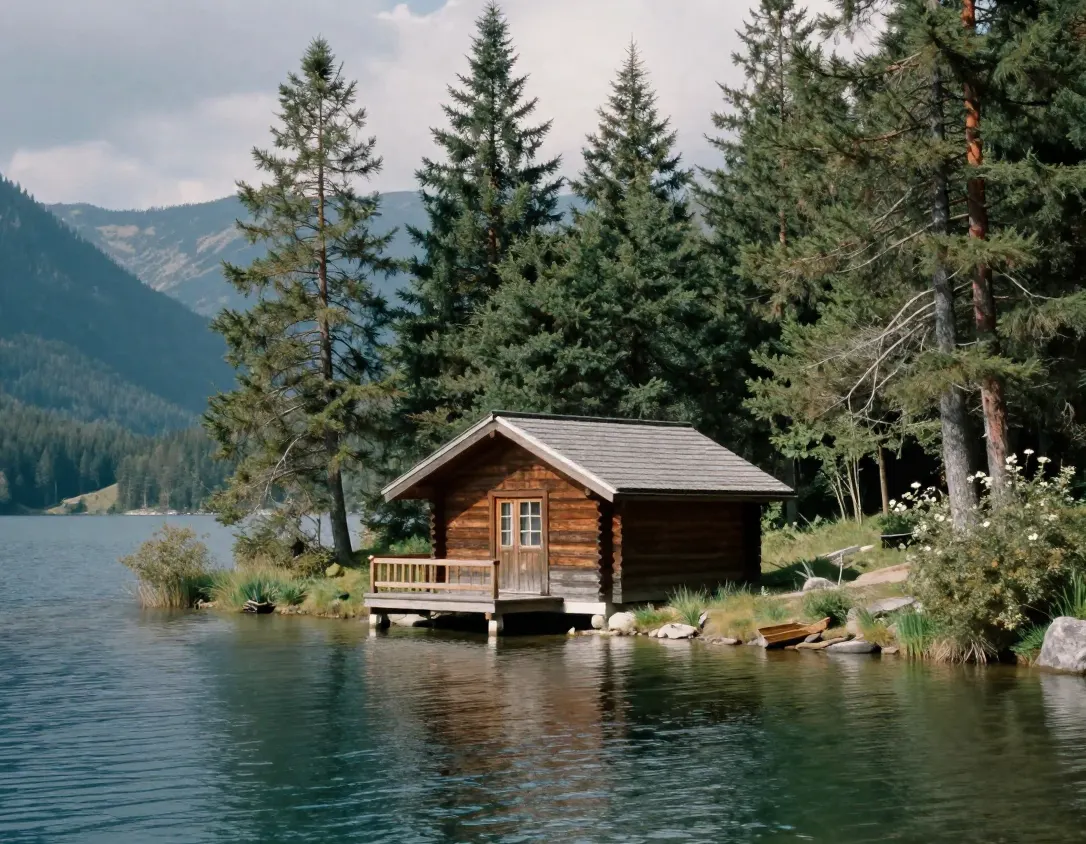
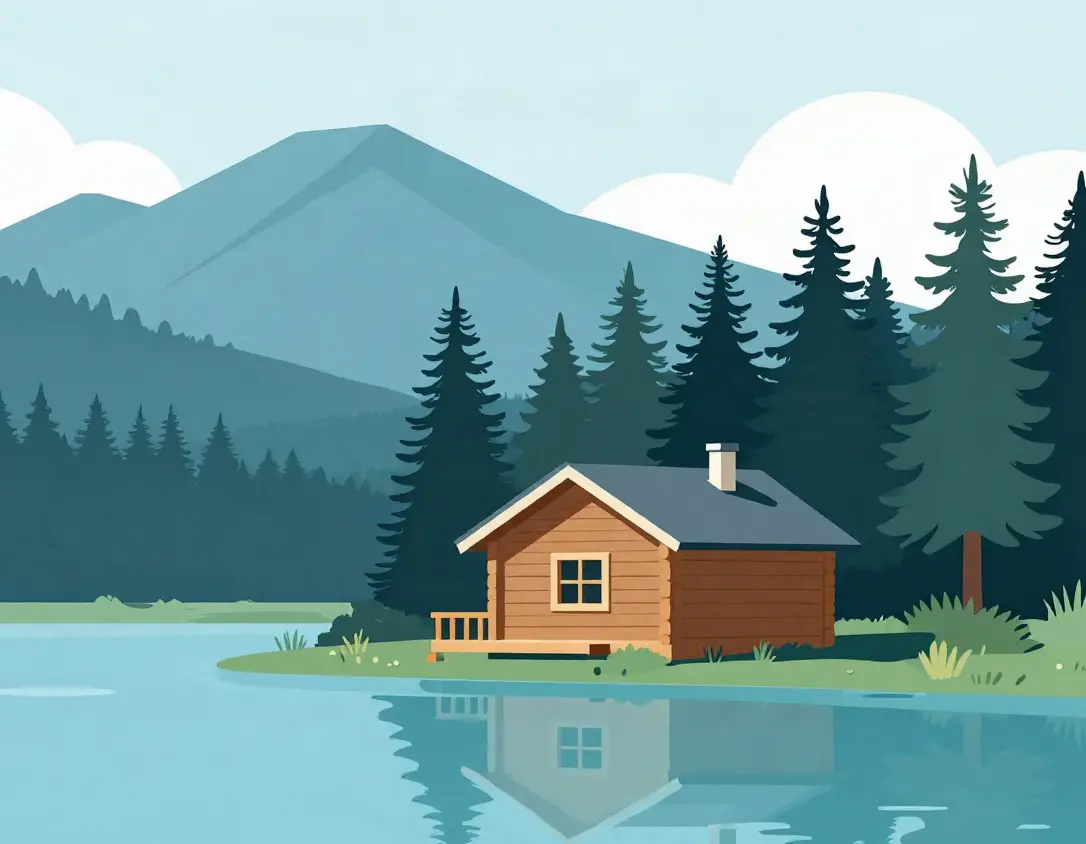
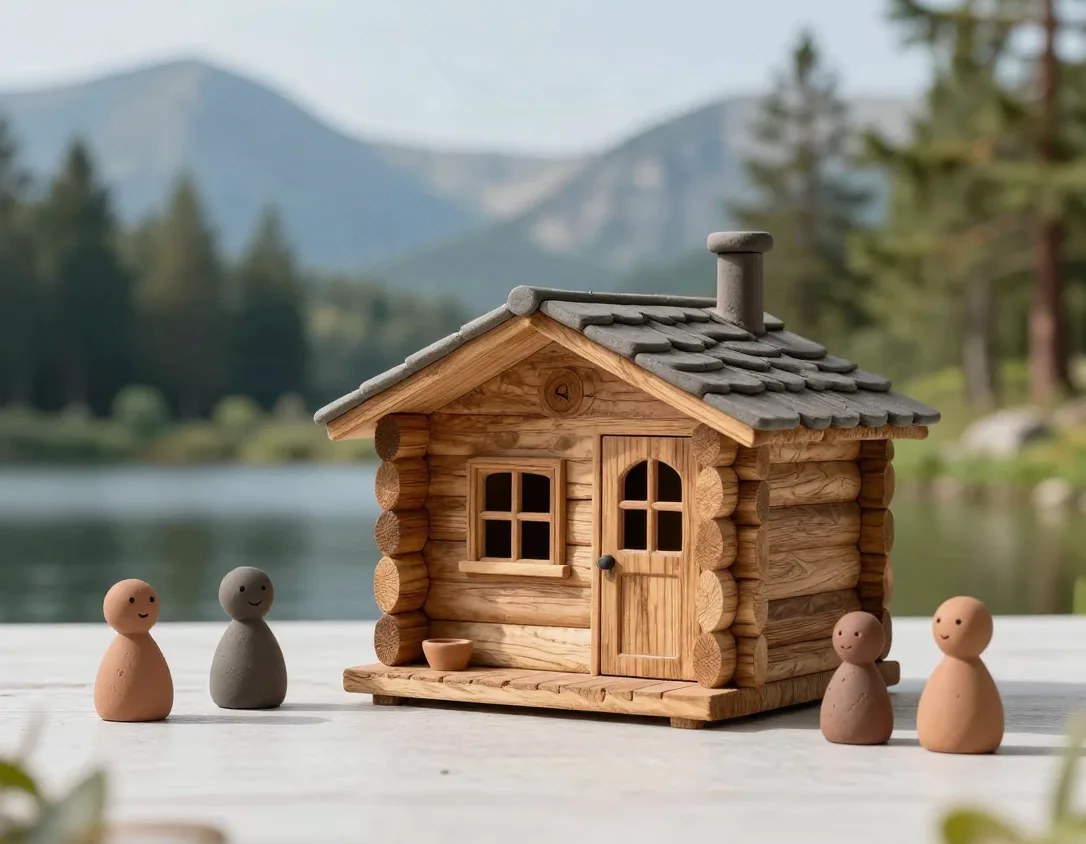
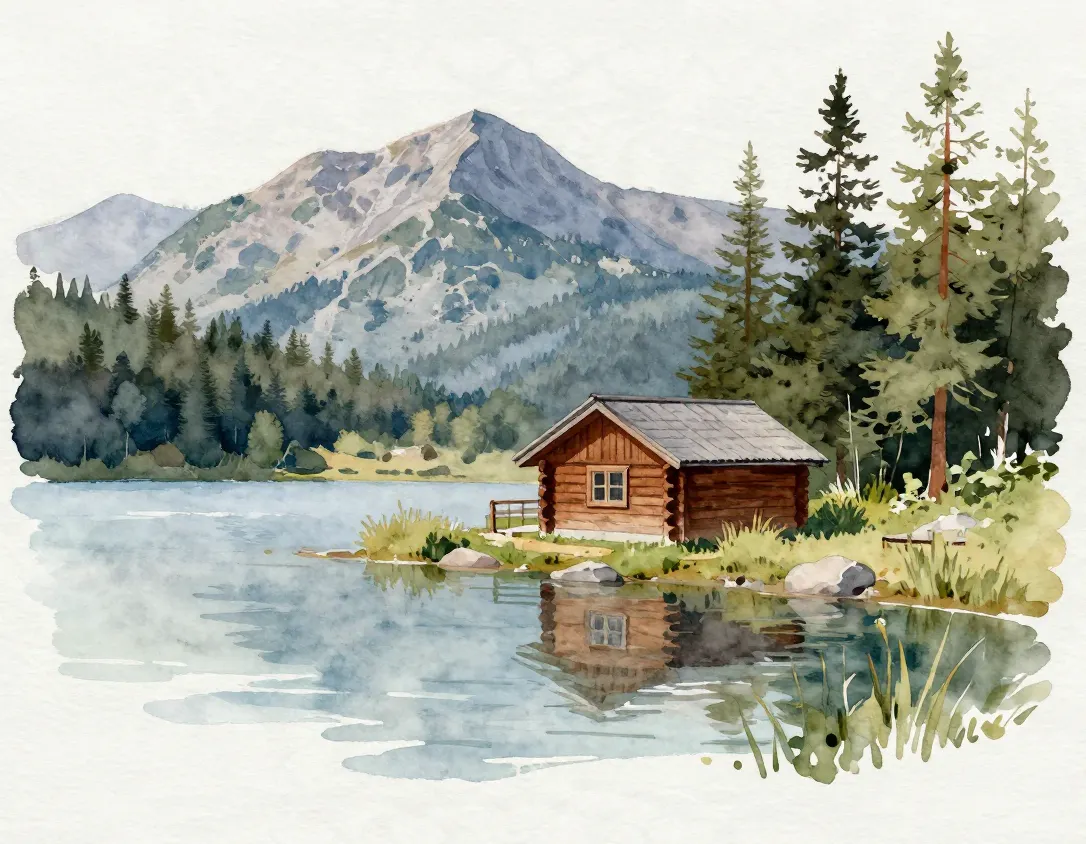
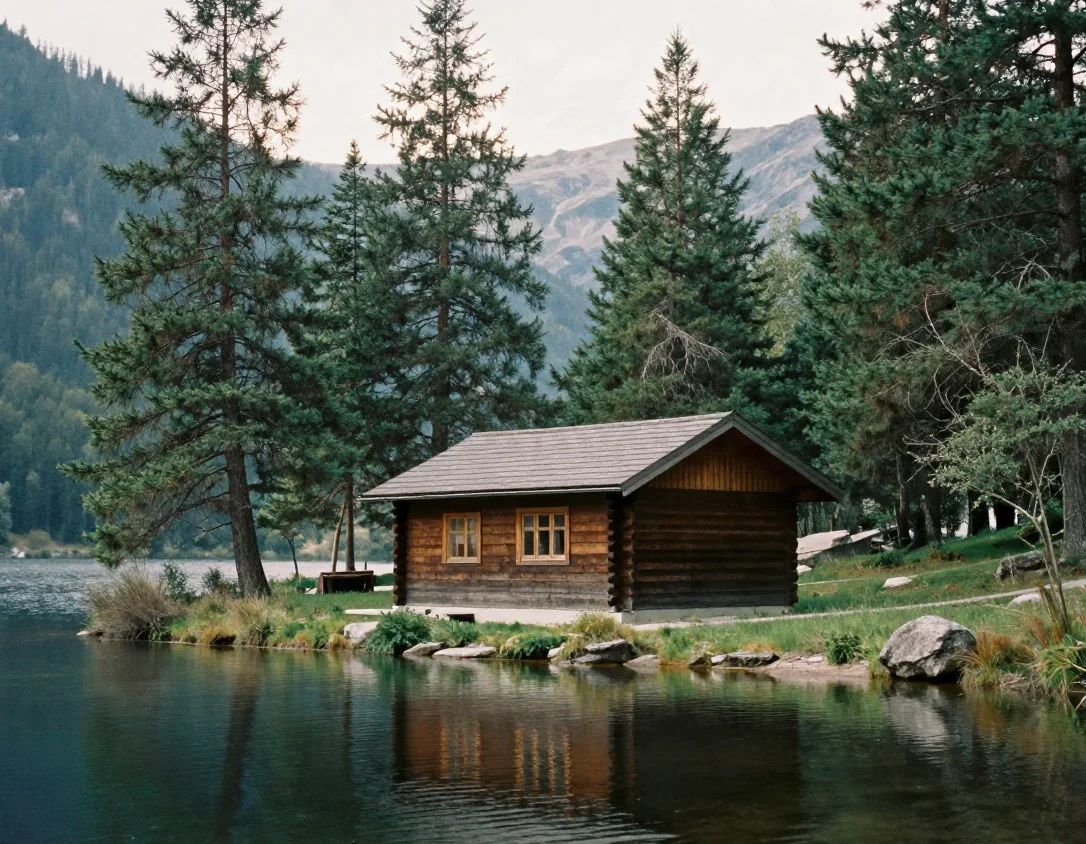
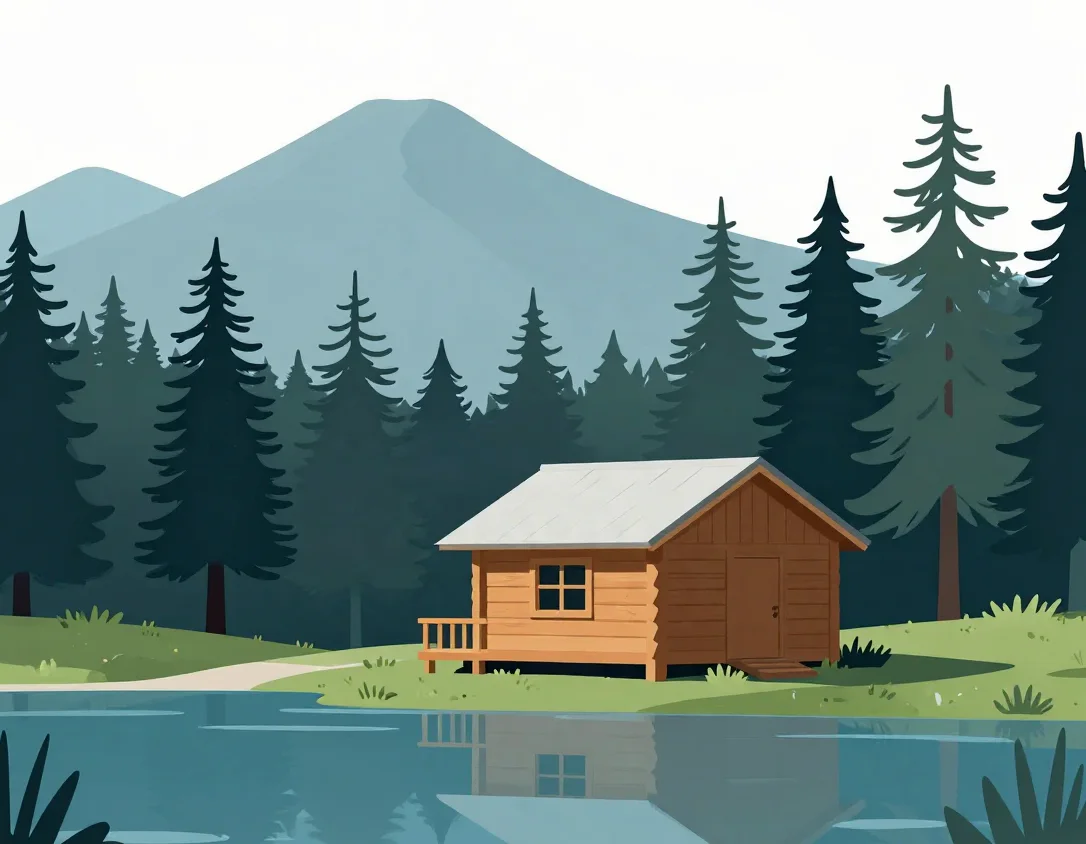
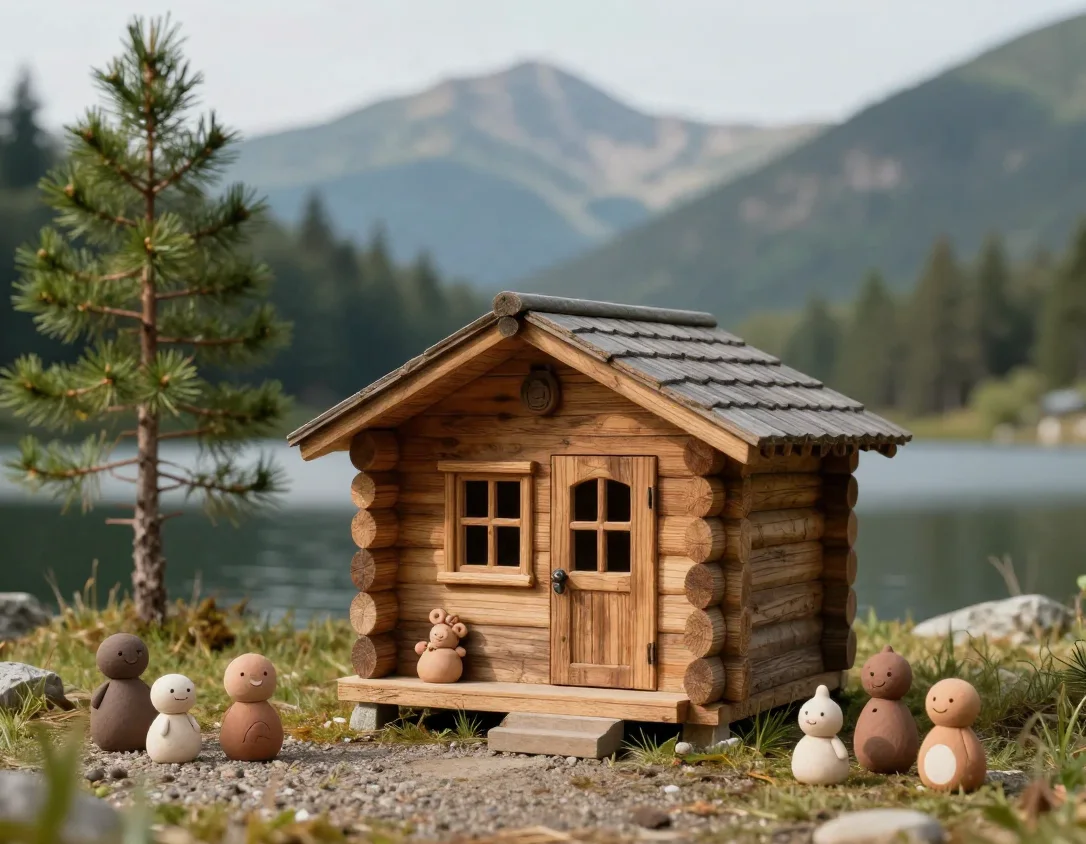
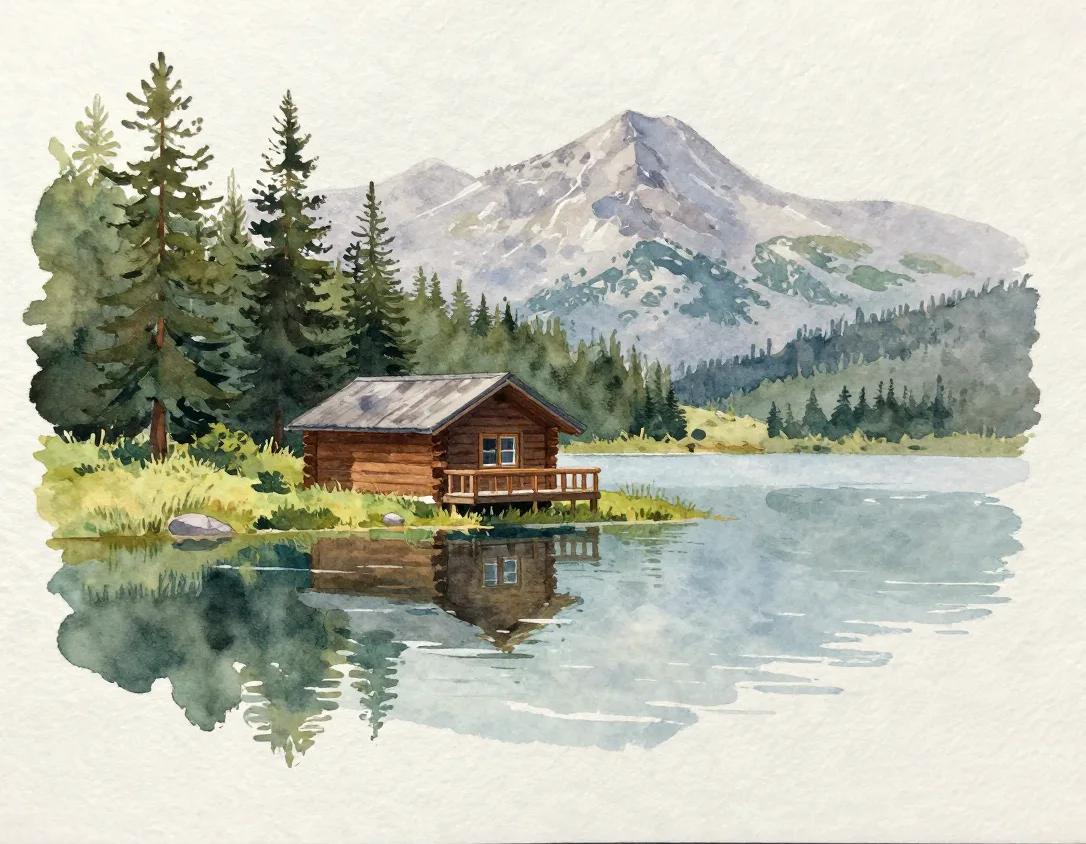
A small wooden cabin by a mountain lake, pine trees, still water

Film still

Flat illustration

Clay

Watercolor

A wooden cabin by a mountain lake in a 2 × 4 grid: two seeds, each as a film still, a flat illustration, clay figures and a watercolor
2 seeds × 4 looks

01

A version tree instead of a scroll of guesses

Most prompt to image tools give you a feed: run after run, newest at the top, with no record of what changed between them. Here, when you change the prompt, avoid text, model, size, shape or seed, the run is saved as a child of the version you started from. Run the same settings again and it stays on the same version. The result is a small tree you can read: v1, v1.1 where you changed the light, v1.2 where you removed the second figure, and so on.

02

Vary and Sweep for the exploring part

Before you lock a seed, Vary runs your prompt on 4 new seeds so you can pick a composition. Once the prompt is close, Sweep lays out a grid of seeds and looks (up to 8 images, from 8 looks such as photo, watercolor, ink and isometric) with each row on one seed. The credit total shows before you run either.

03

Recipe cards

Every image can be downloaded as a recipe card: a small JSON file with the prompt, avoid text, model, size, shape and seed. Import it here and every setting fills in, so a colleague, a client or you next month can make the same image again on the same model.

Credits per image, edit and upscale

You see the cost before a job runs. Failed and refused jobs are refunded. Plans and credit packs

Every image keeps its seed, so re-running it costs the same as the first time.
Job1K2K
Flux 3 Kleinper image1117
Z-Image Turboper image13–
Qwen Image 2per image47–
Edit (Nano Banana 2.1)2841
Upscale 2×1027
Avoid-list helper3

Common questions on this topic

How long can a prompt be?

Up to 800 characters for the prompt and 300 for the avoid list.

When is a new version created?

When any of the prompt, avoid text, model, size, shape or seed differs from the version you started from. Re-running the same settings adds images to the same version.

Can my team see my versions?

On a team plan, versions made in the shared workspace are visible to teammates, who can branch from them and pin their own.

Do edits and upscales join the tree?

They stay attached to the image they started from. Edits are not seeded, so they are takes rather than versions.