
ZimgAI text to image generator with seeds you can repeat
Write a prompt and get up to 4 images. Every image keeps its seed: lock it, change one word, and compare the two side by side. Your first image is free.
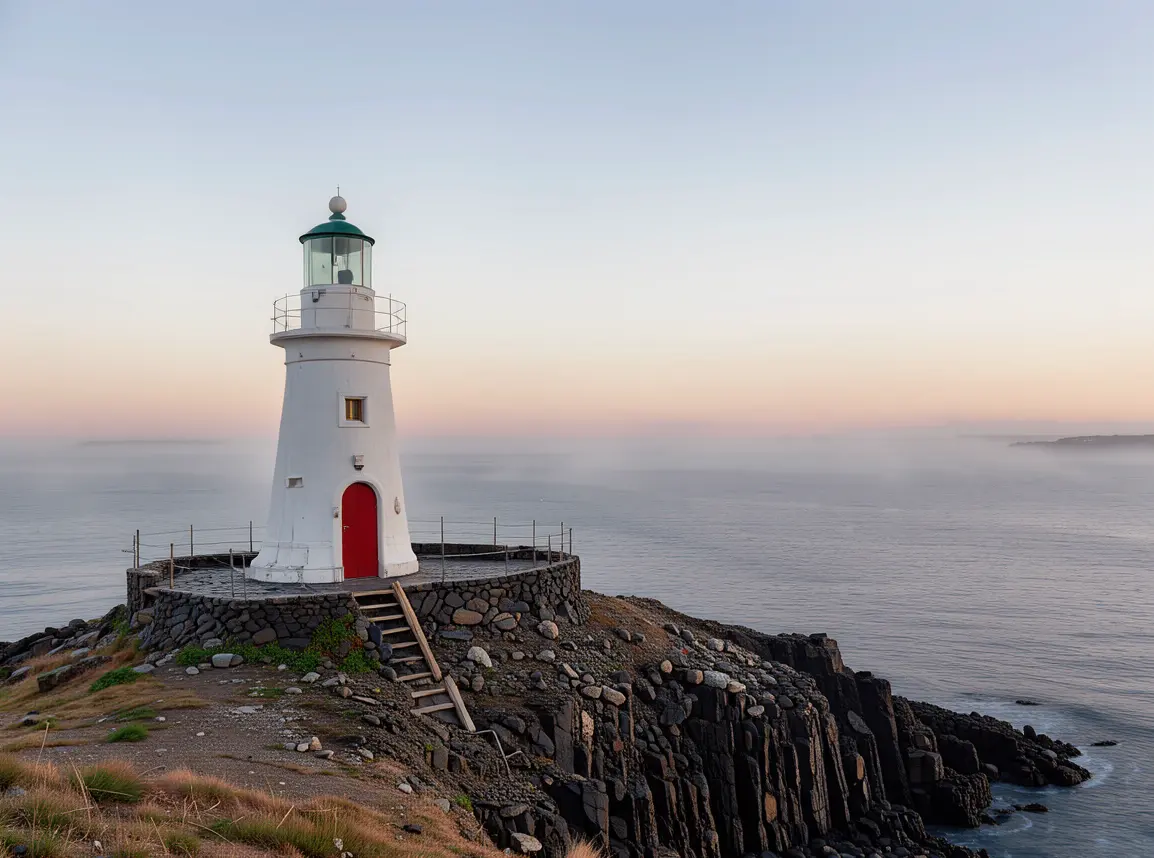
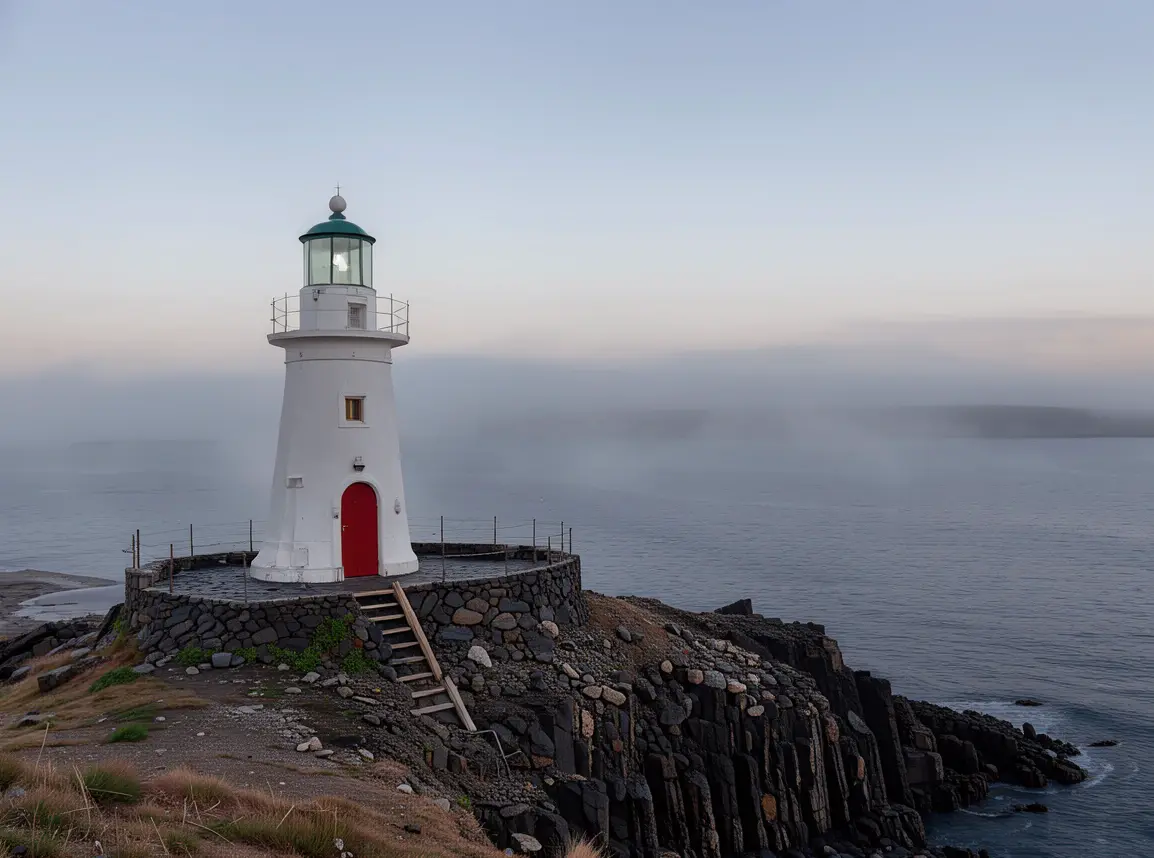
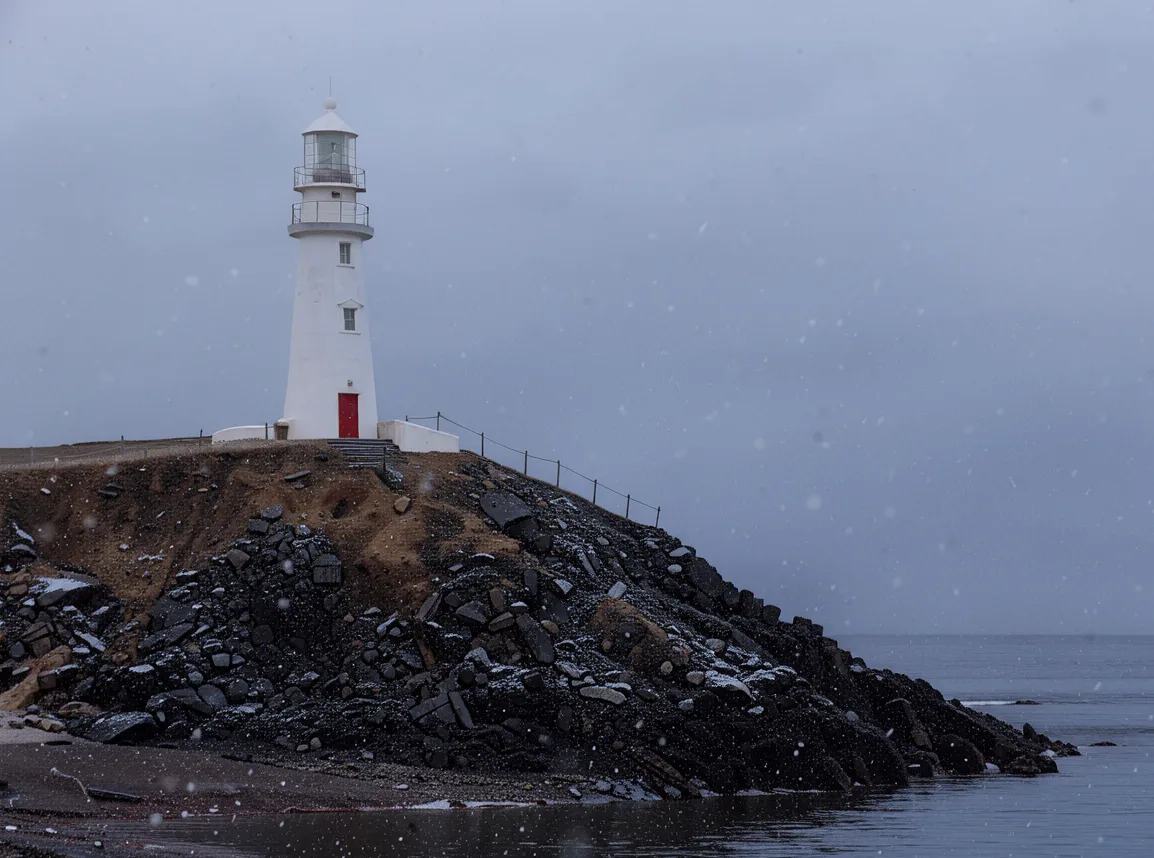
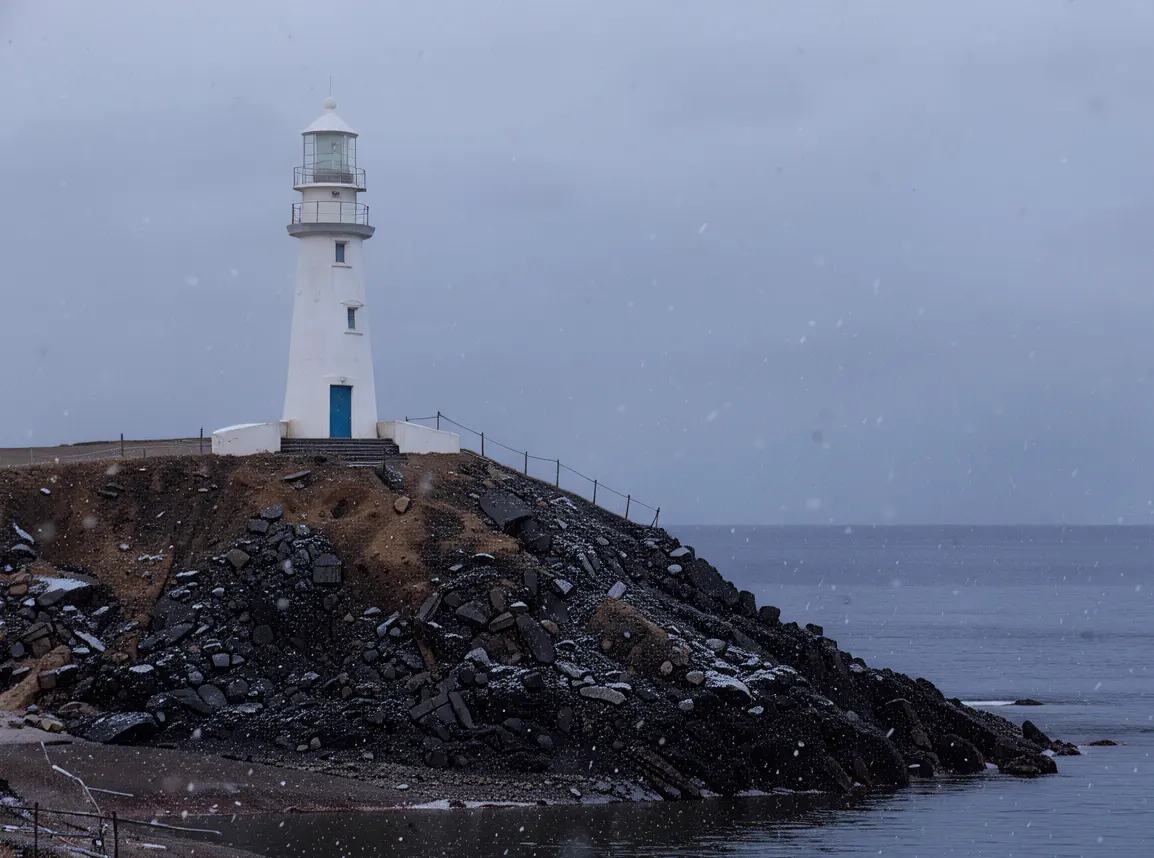
red door blue door
Your images land here
Each one carries its seed. Lock a seed, change one word, and the version tree on the left shows exactly what changed.
Added to the end of your prompt as one "Avoid: …" sentence. A hint, not a filter: describing what you want works better.
One Flux 3 Klein image is 11 credits. No card needed.
Real runs
One seed, one change, side by side
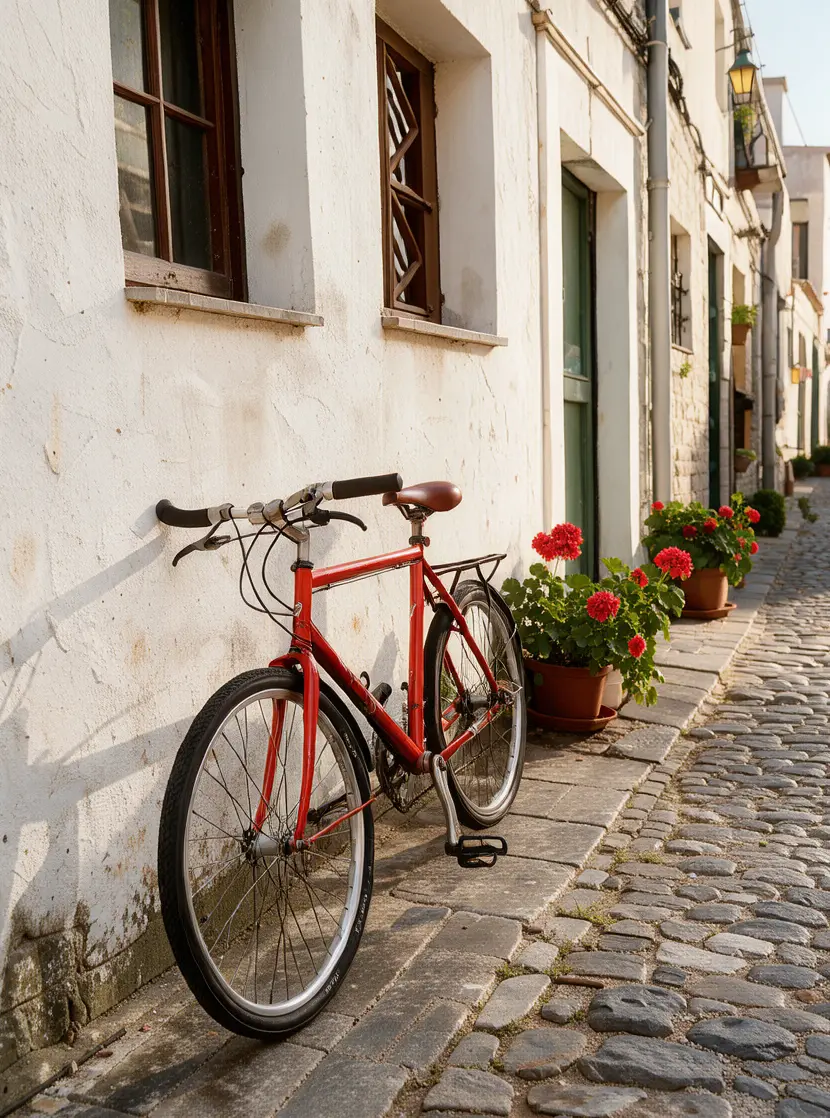
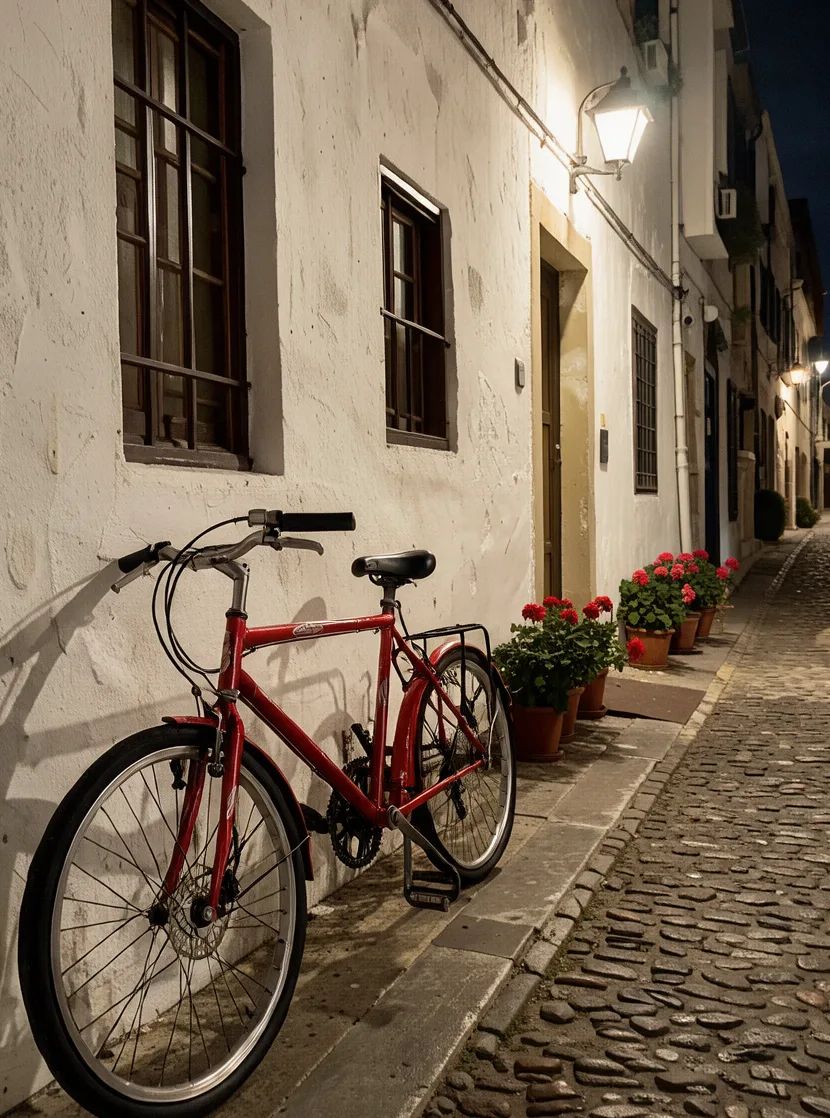
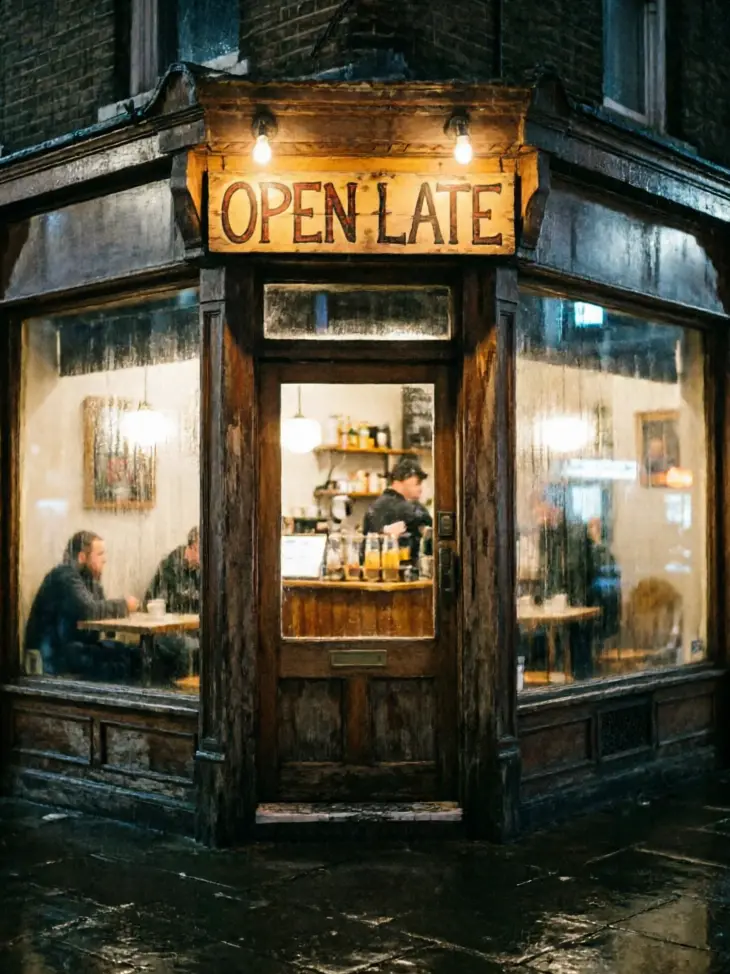
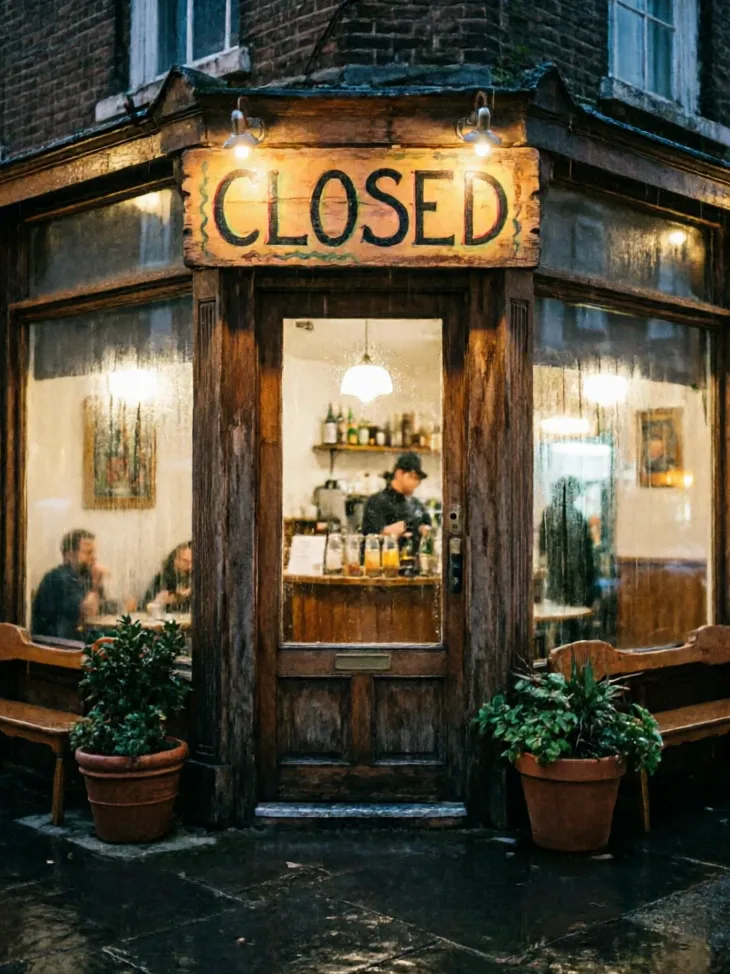
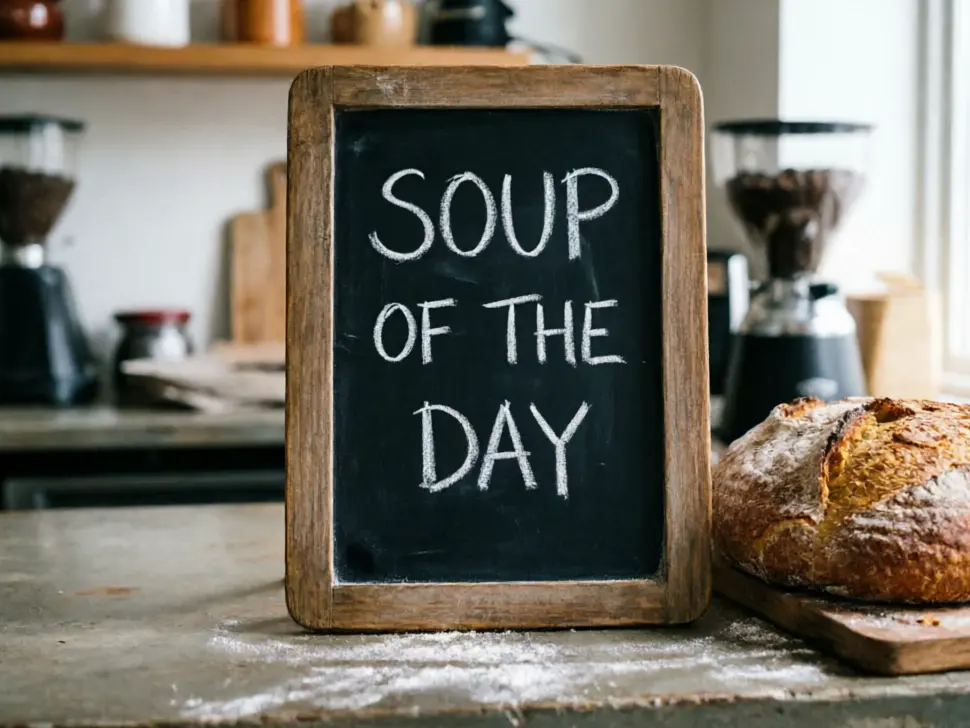
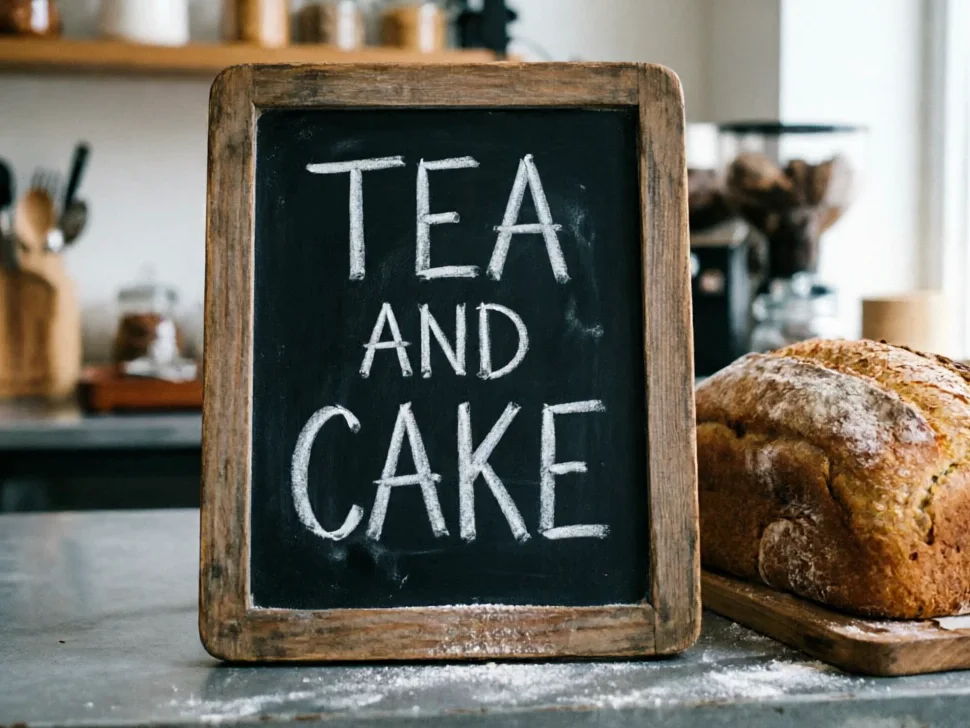
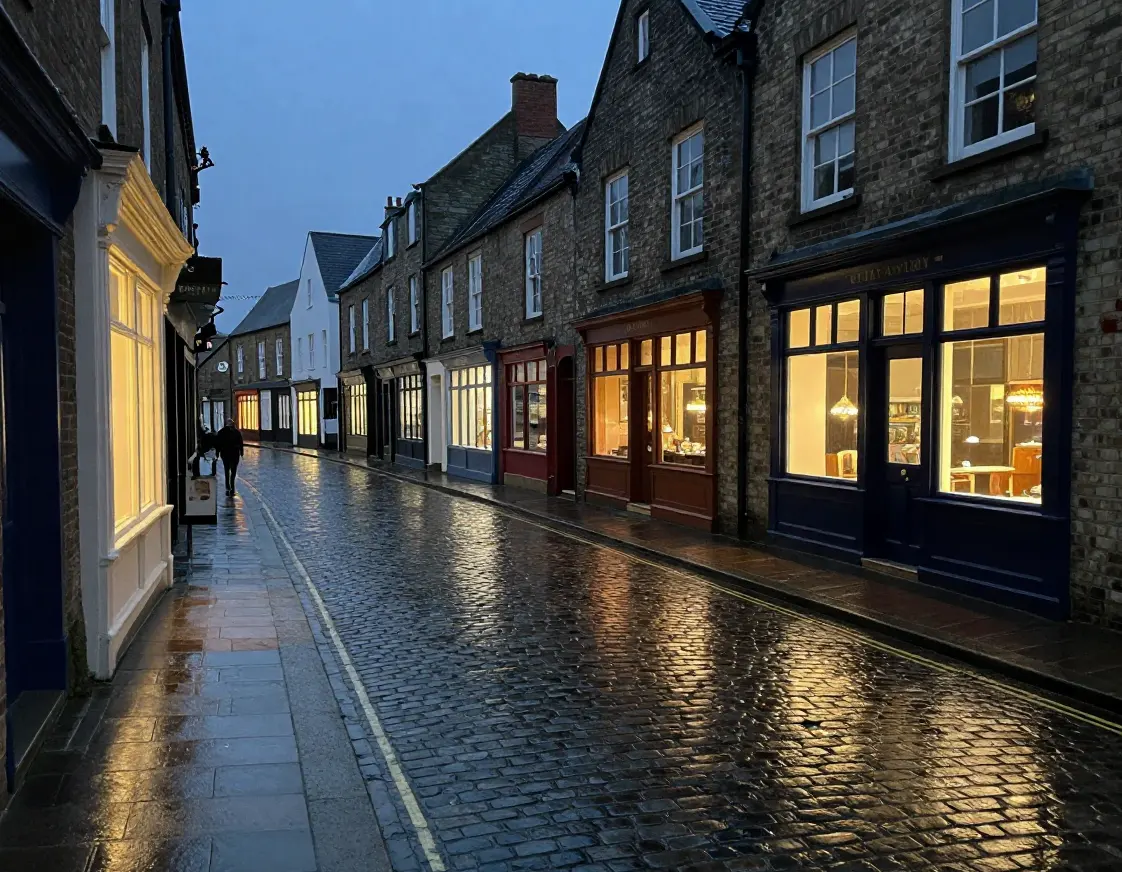
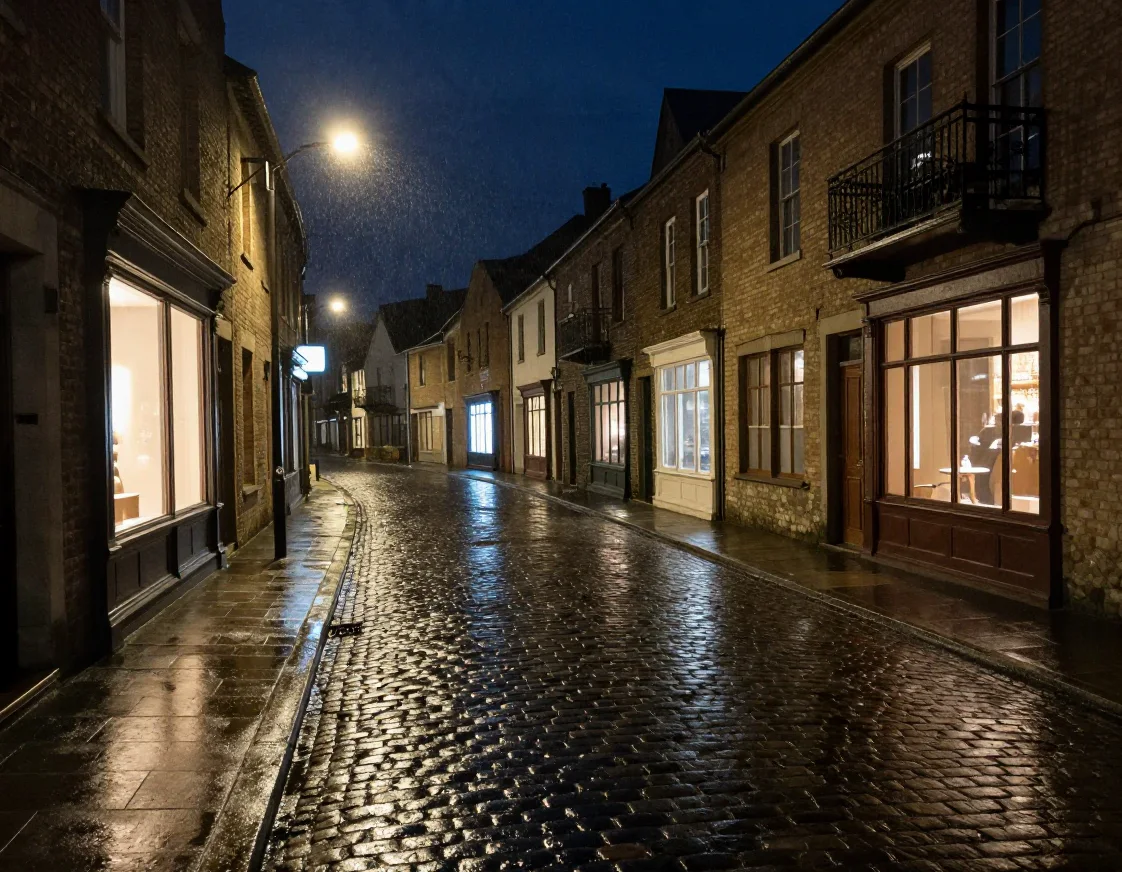
Each pair below was made here on the same model, size and seed. Only the prompt changed, so only that part of the picture moved.
 BeforeAfter
Before
A red bicycle leaning on a whitewashed wall in a narrow cobbled alley, afternoon sun, potted geraniums
After
A red bicycle leaning on a whitewashed wall in a narrow cobbled alley, at night under one street lamp, potted geraniums
 BeforeAfter
Before
A small corner cafe at night seen from the street, a hand-painted wooden sign above the door that says "OPEN LATE", rain on the window
After
A small corner cafe at night seen from the street, a hand-painted wooden sign above the door that says "CLOSED", rain on the window
 BeforeAfter
Before
A chalkboard menu on a bakery counter with neat hand lettering that says "SOUP OF THE DAY", a loaf of bread beside it
After
A chalkboard menu on a bakery counter with neat hand lettering that says "TEA AND CAKE", a loaf of bread beside it
 BeforeAfter
Before
A quiet old-town street at night after rain, wet cobblestones, shop fronts with warm windows, wide shot
After
A deserted old-town street at night after rain, wet cobblestones, shop fronts with warm windows, wide shot
 BeforeAfter
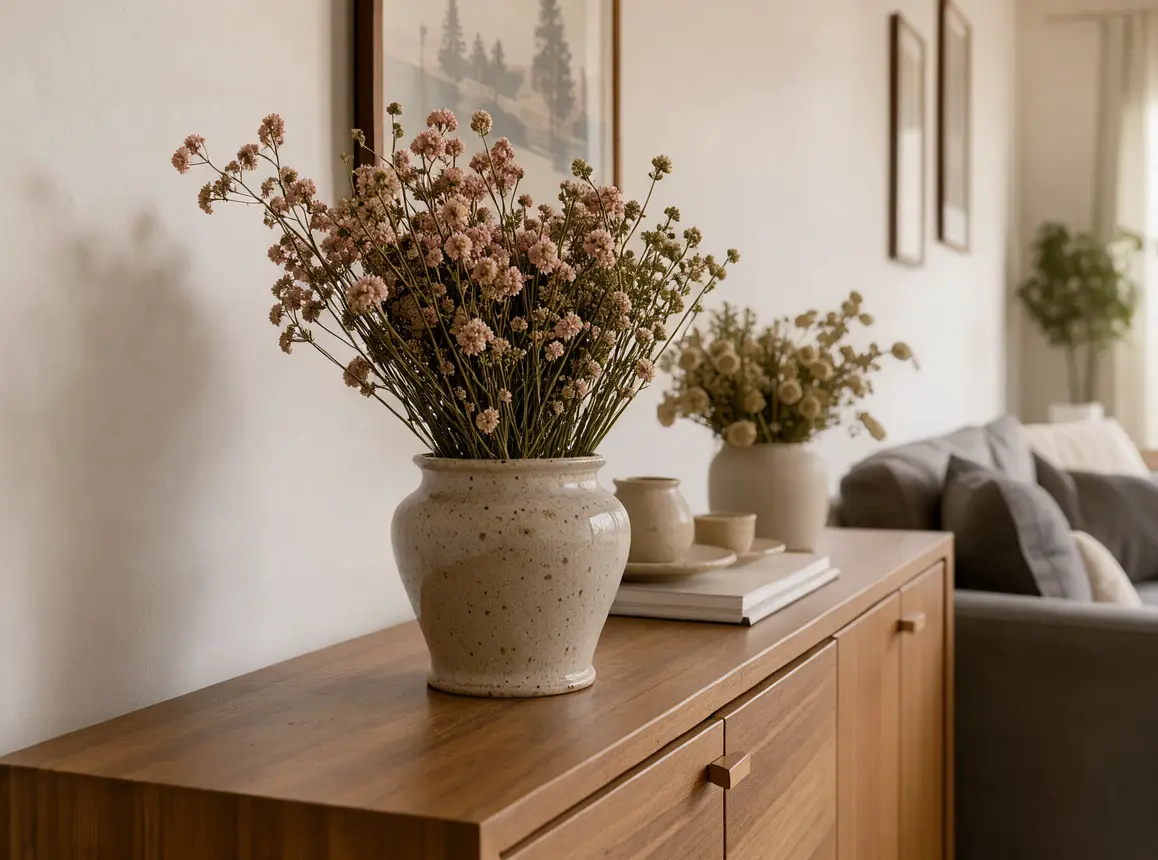
Before
A ceramic vase of dried flowers on a wooden sideboard in a living room, afternoon light
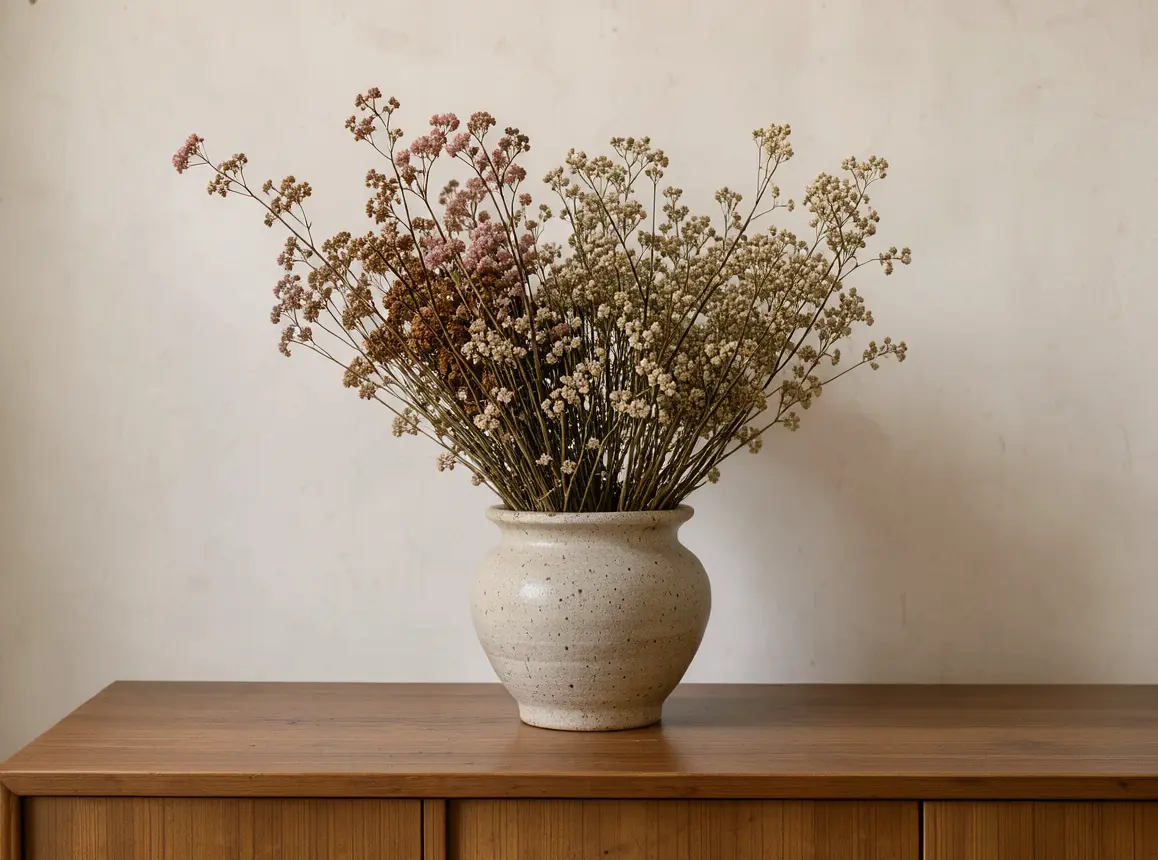
After
A ceramic vase of dried flowers on a wooden sideboard against a bare plaster wall, afternoon light
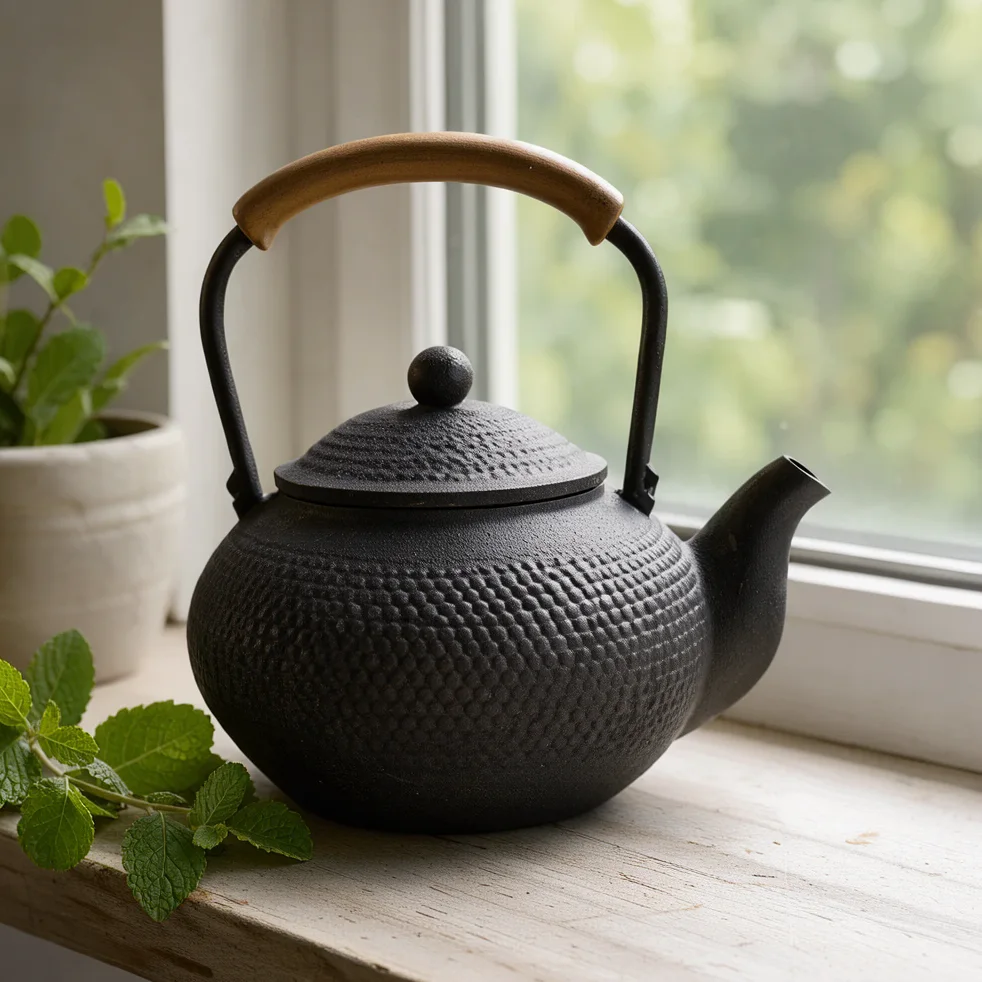
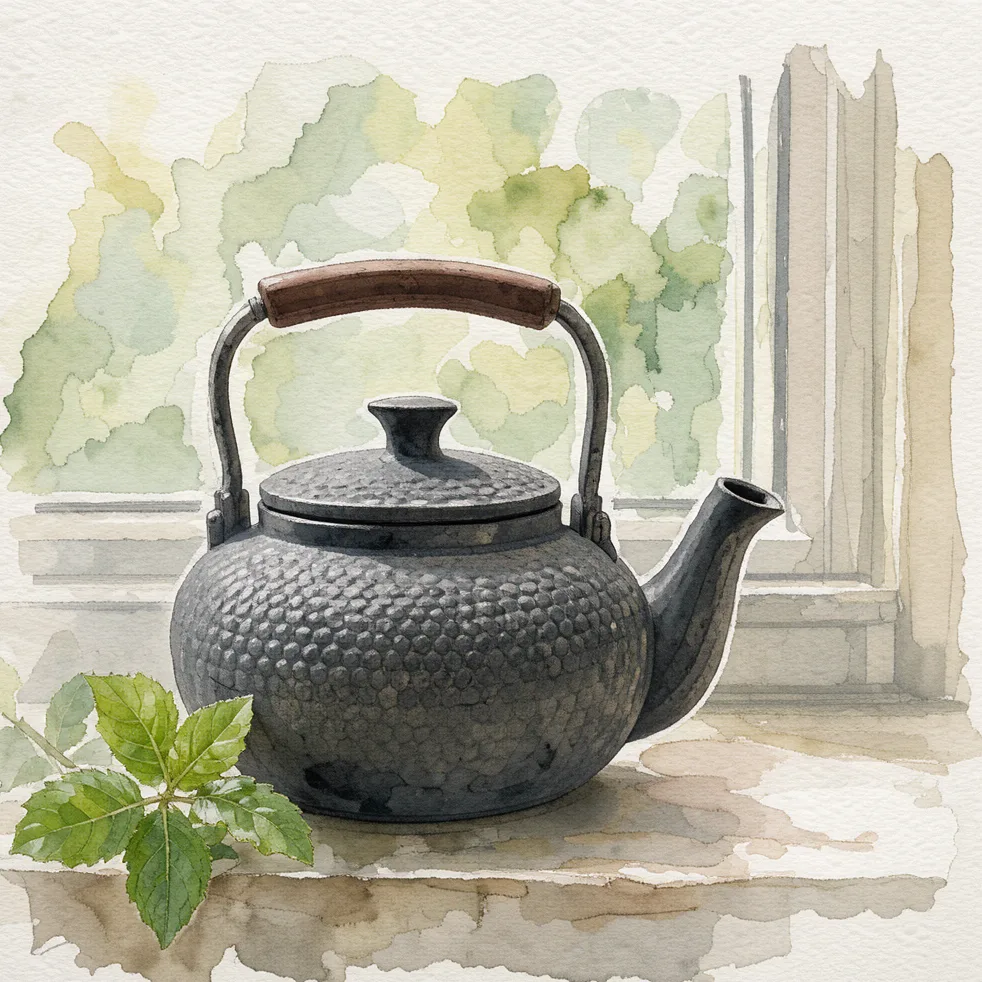
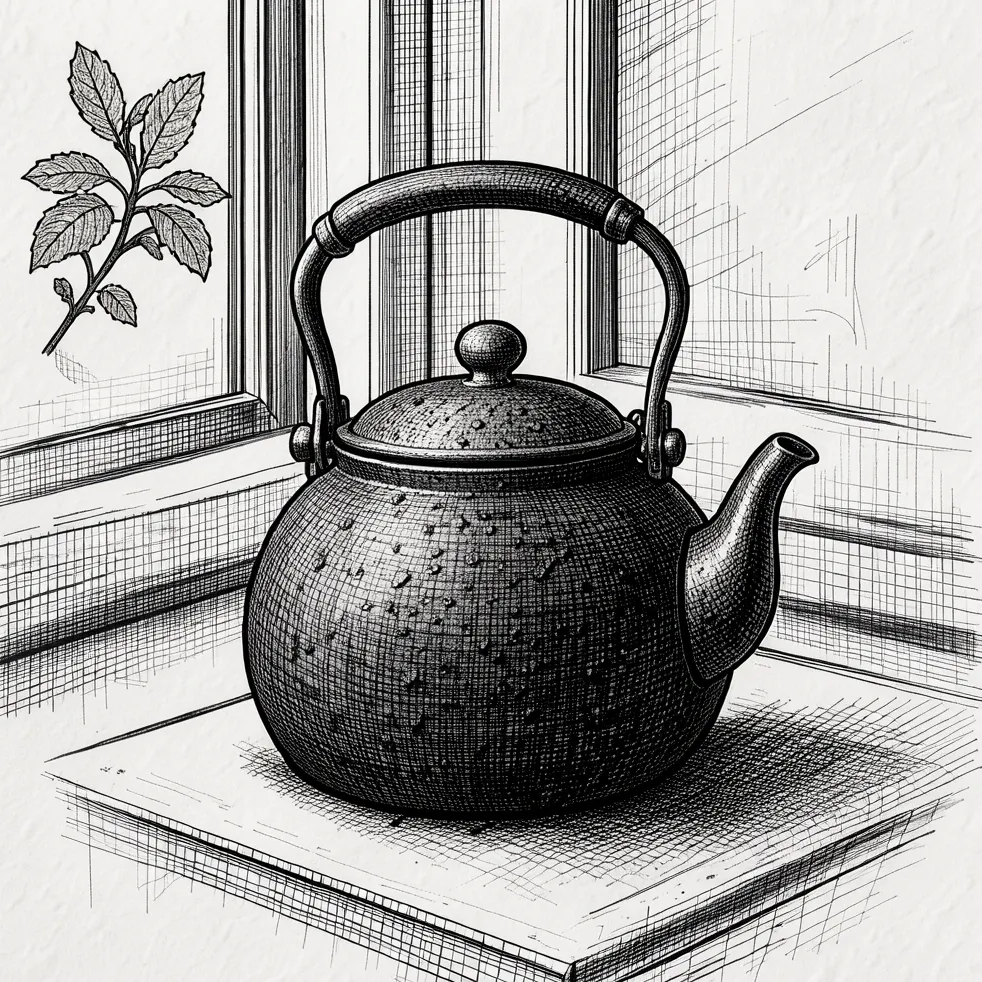
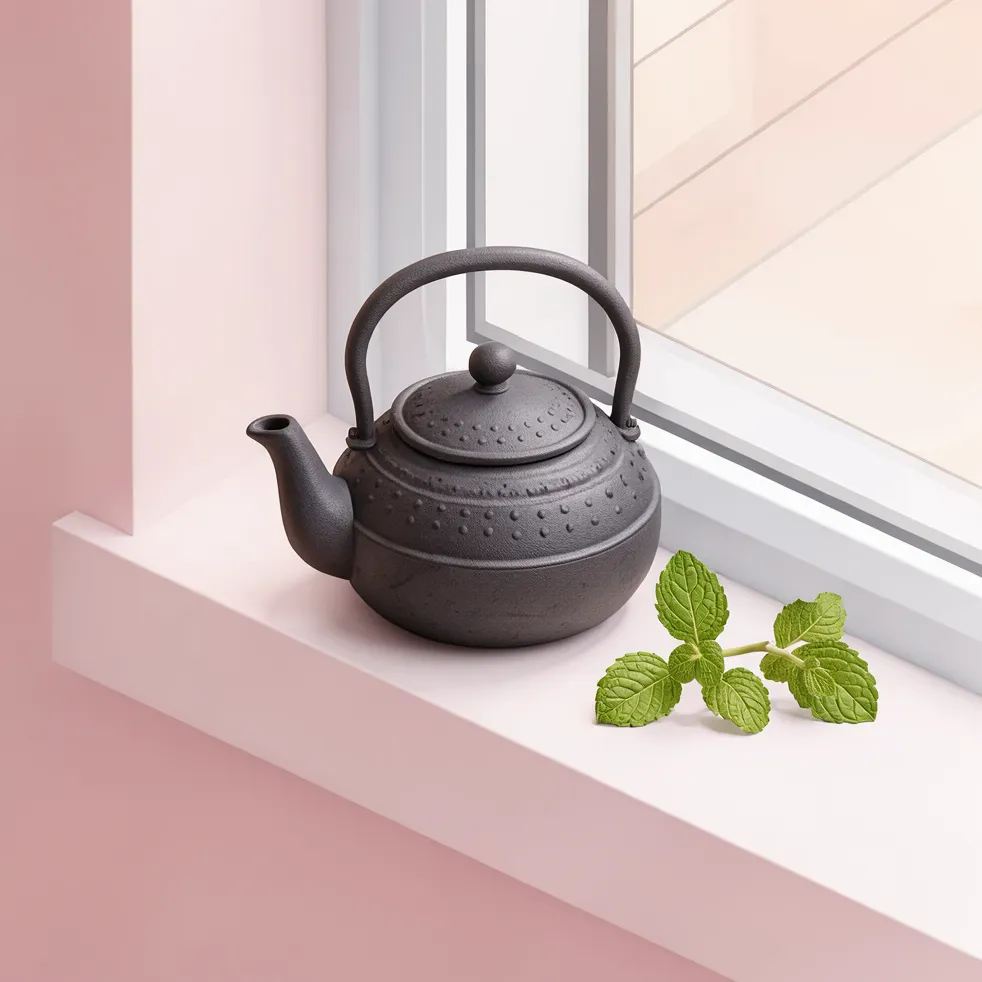
A cast-iron teapot on a windowsill with a sprig of mint
Photo
Watercolor
Ink drawing
Isometric 3D
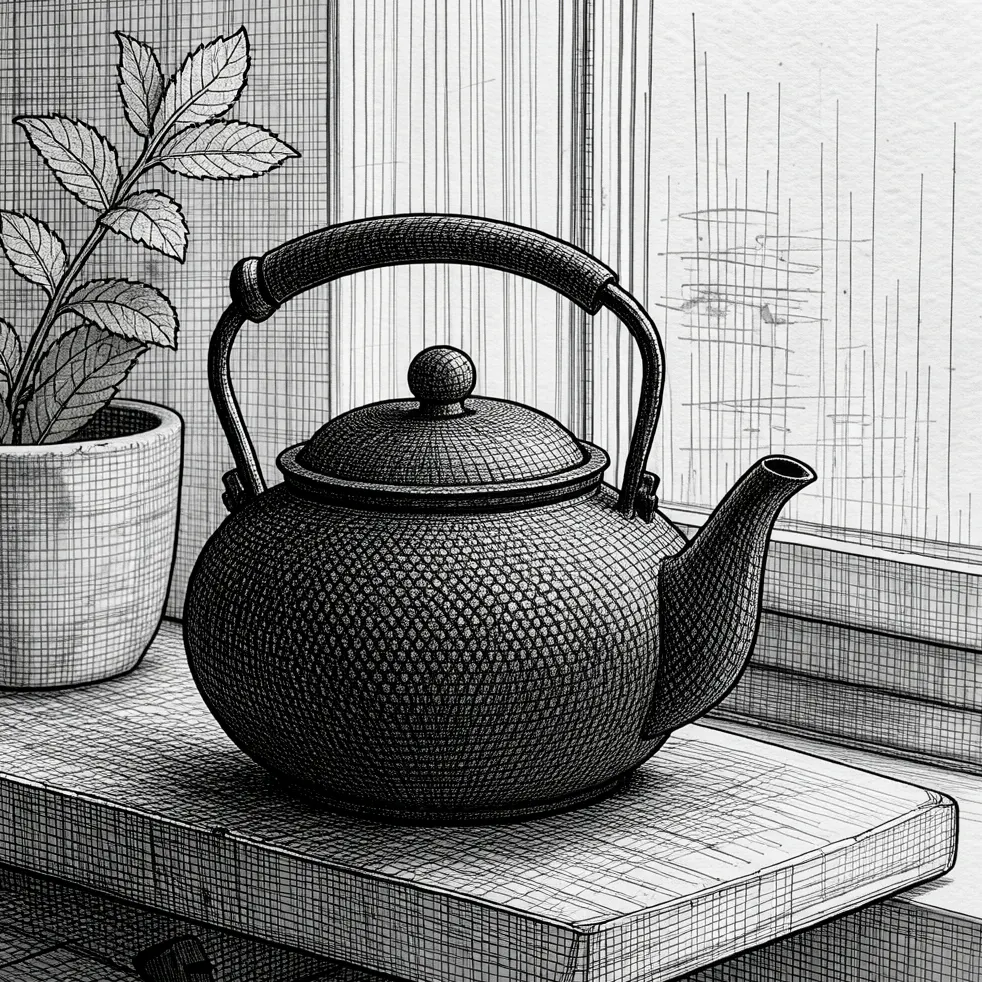
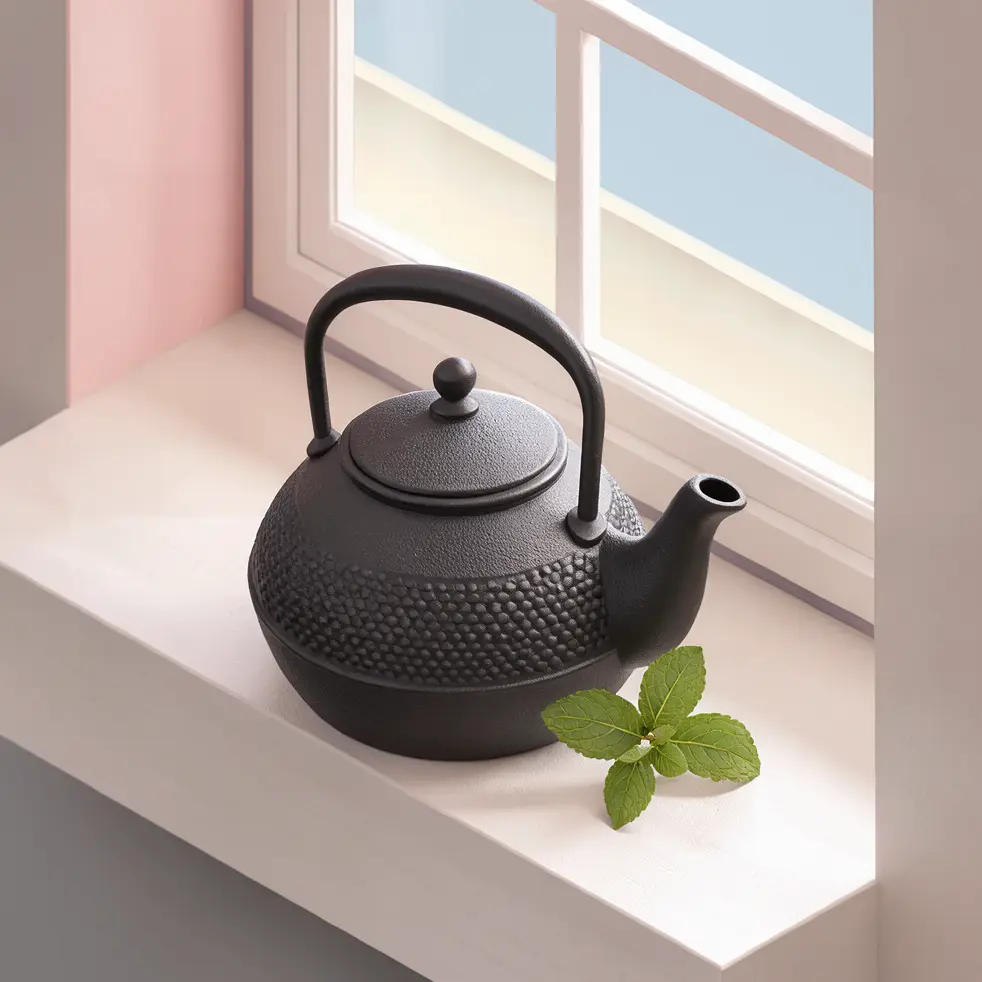
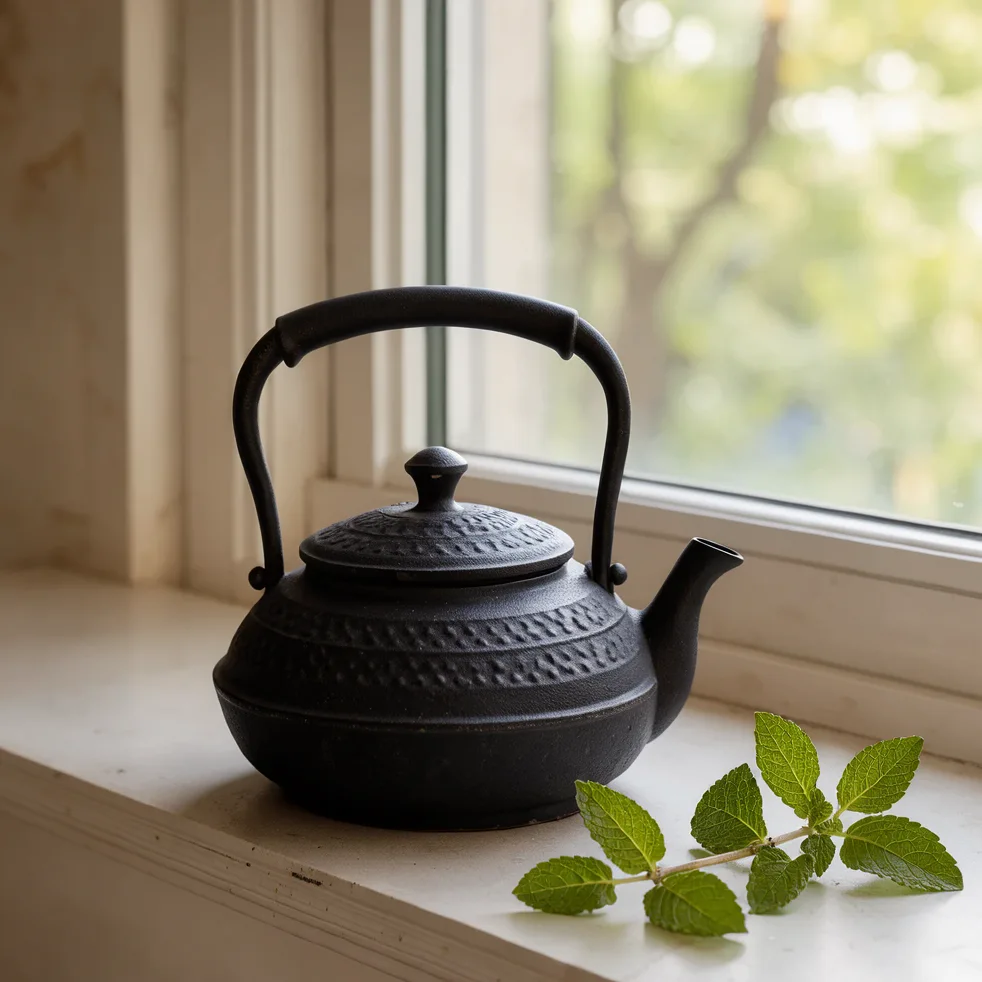
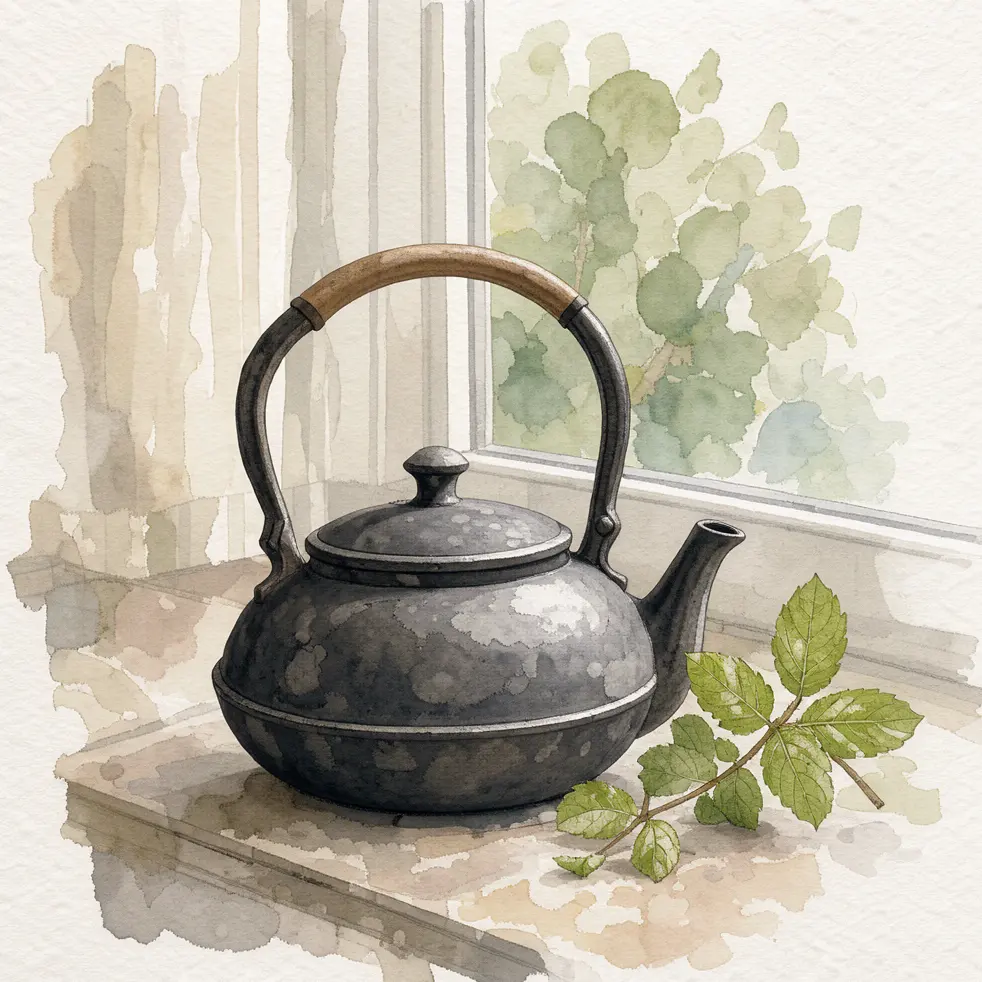
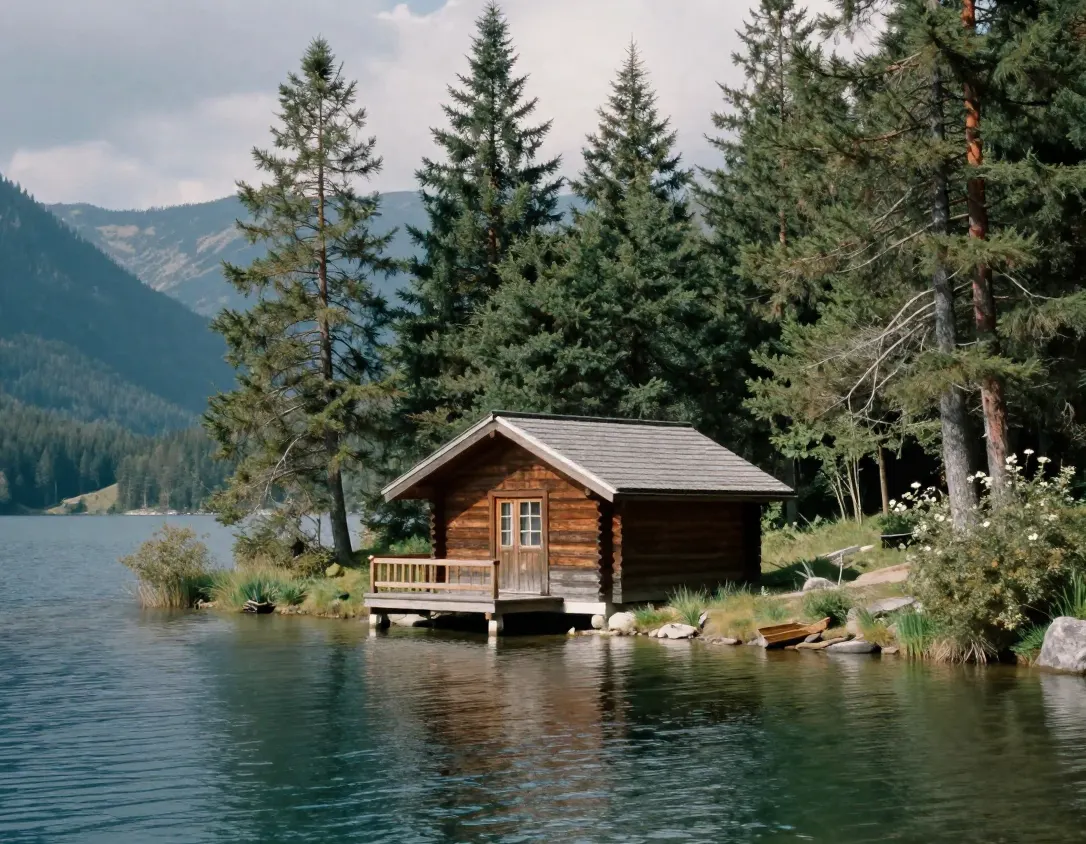
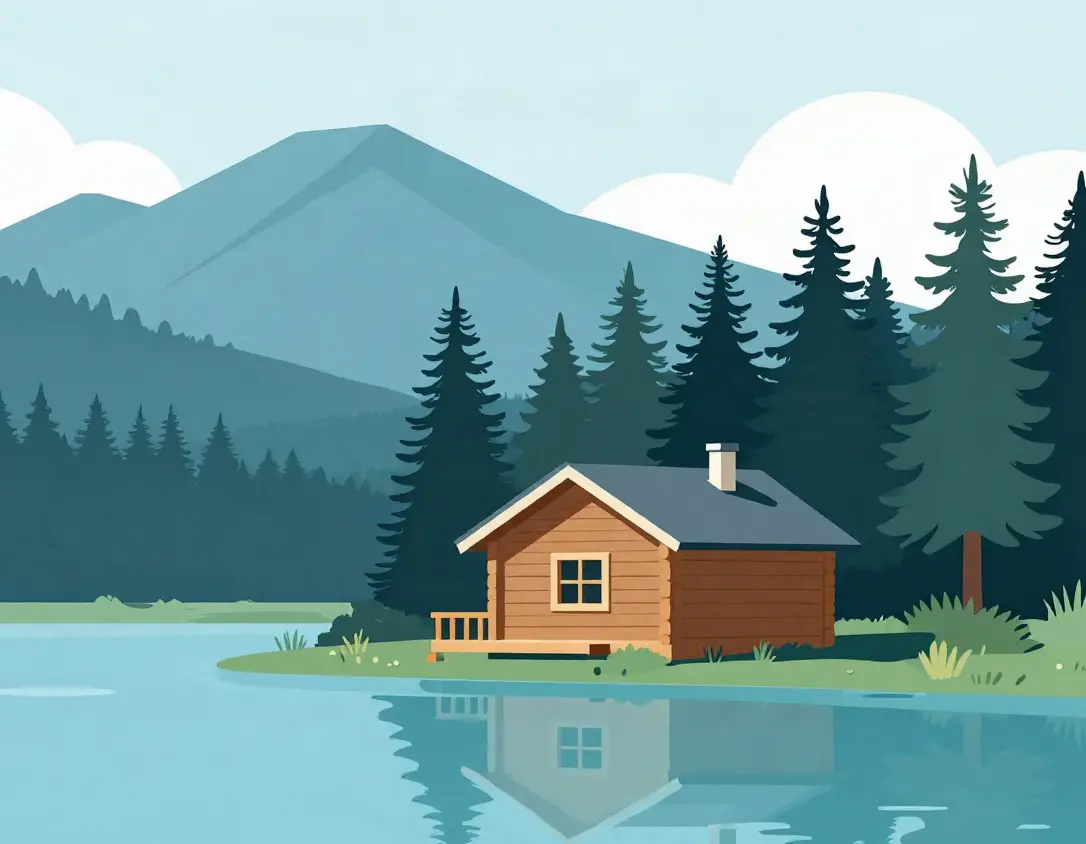
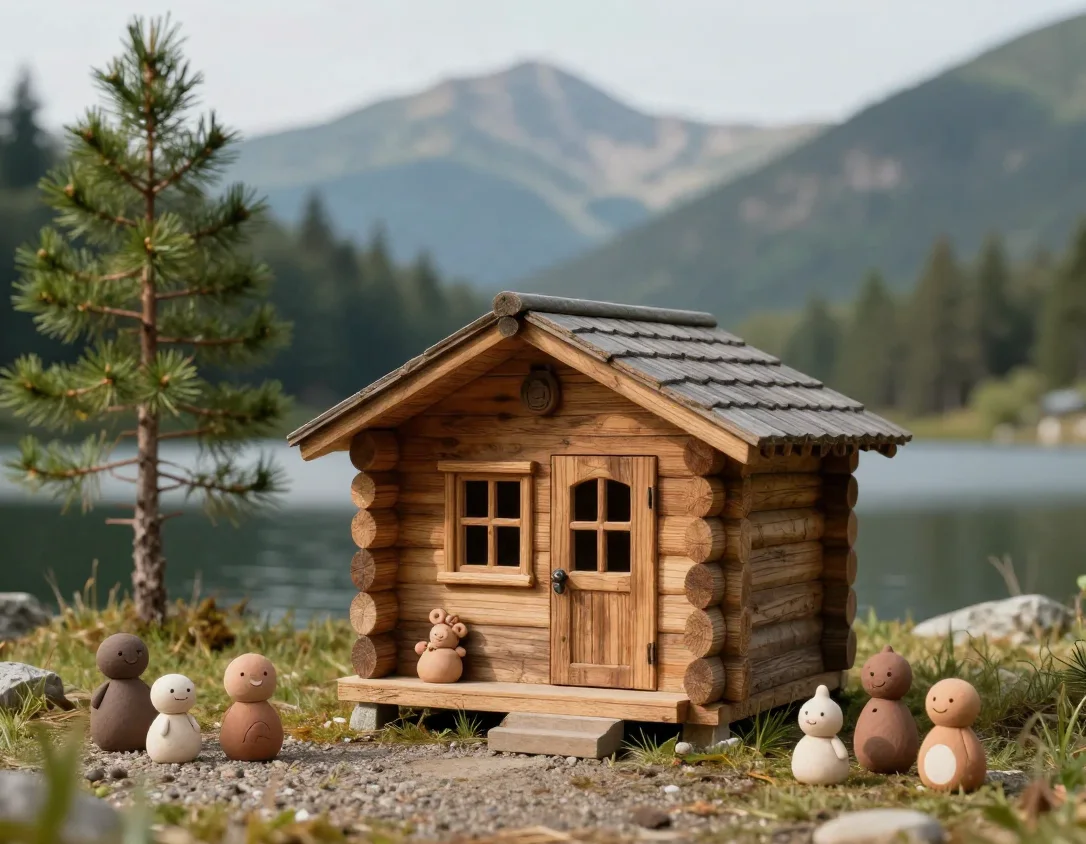
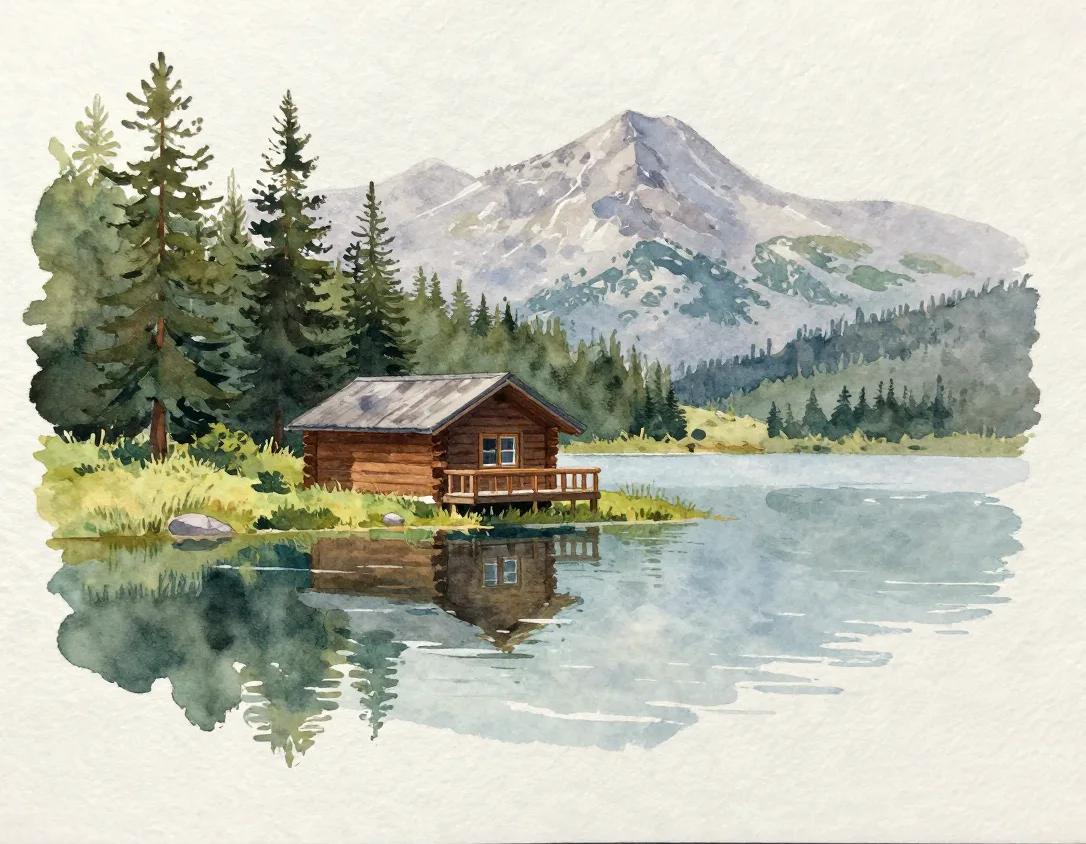
A small wooden cabin by a mountain lake, pine trees, still water
Film still
Flat illustration
Clay
Watercolor
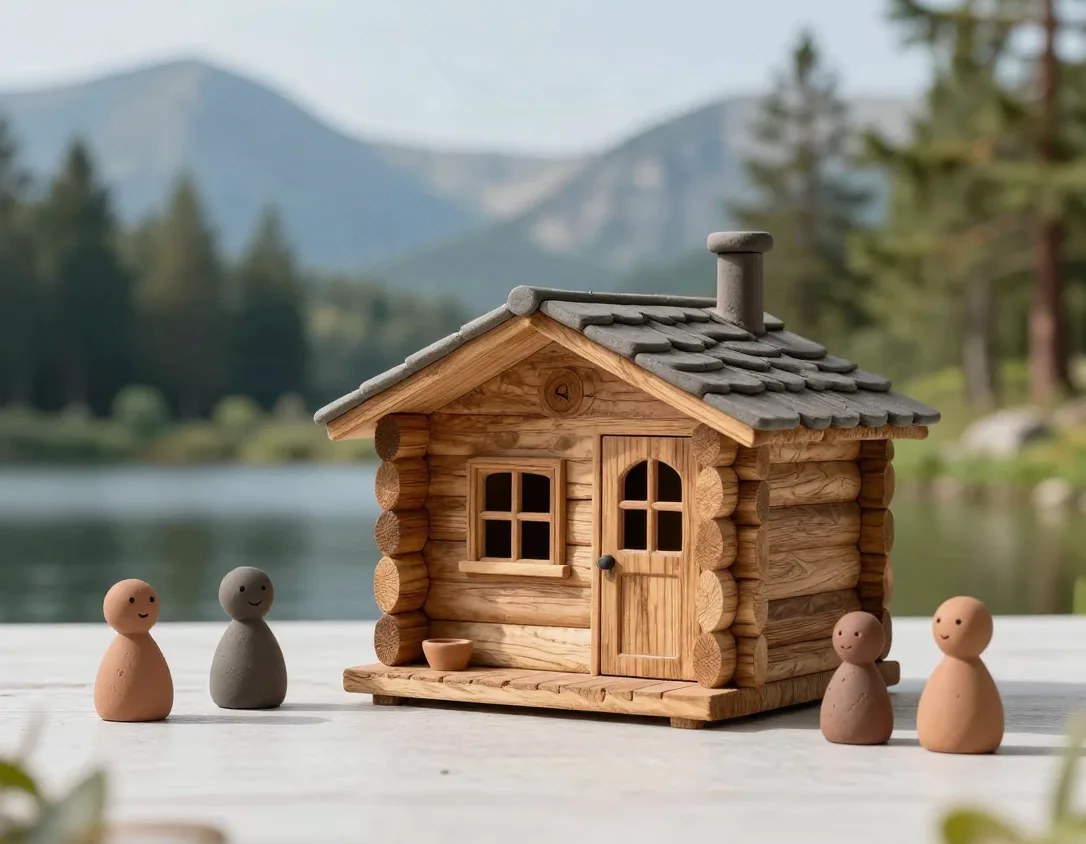
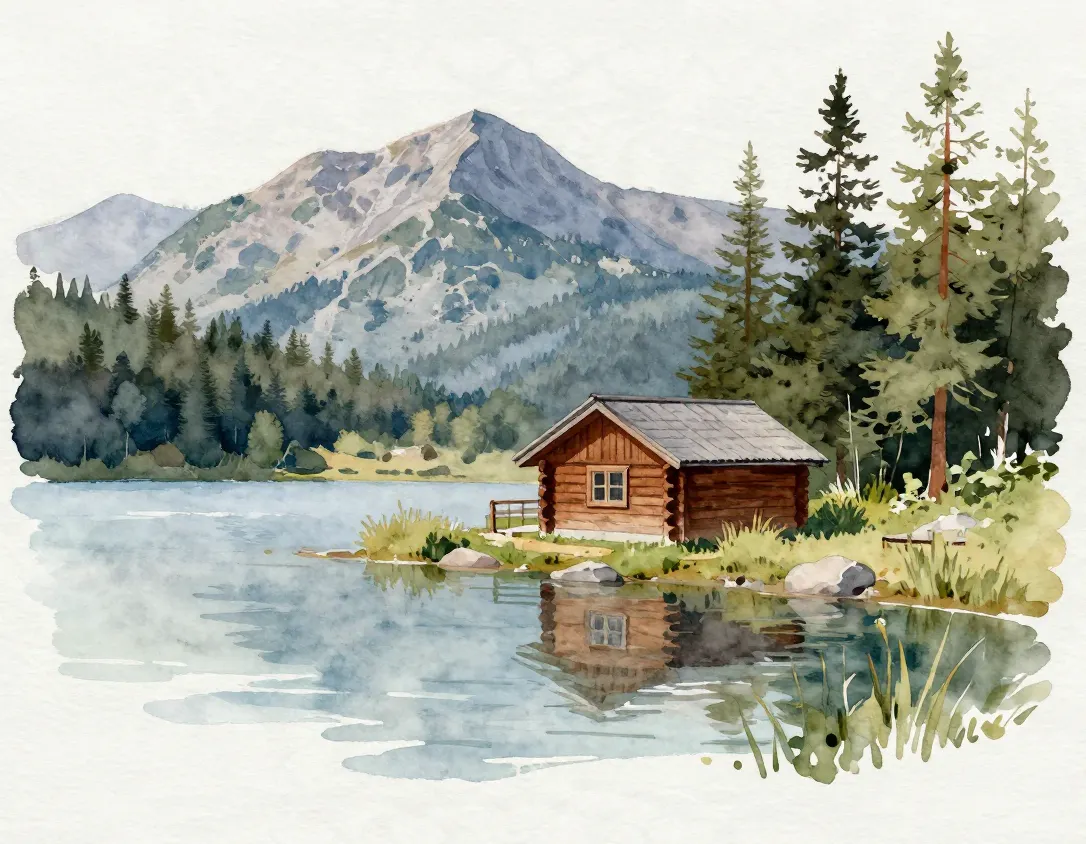
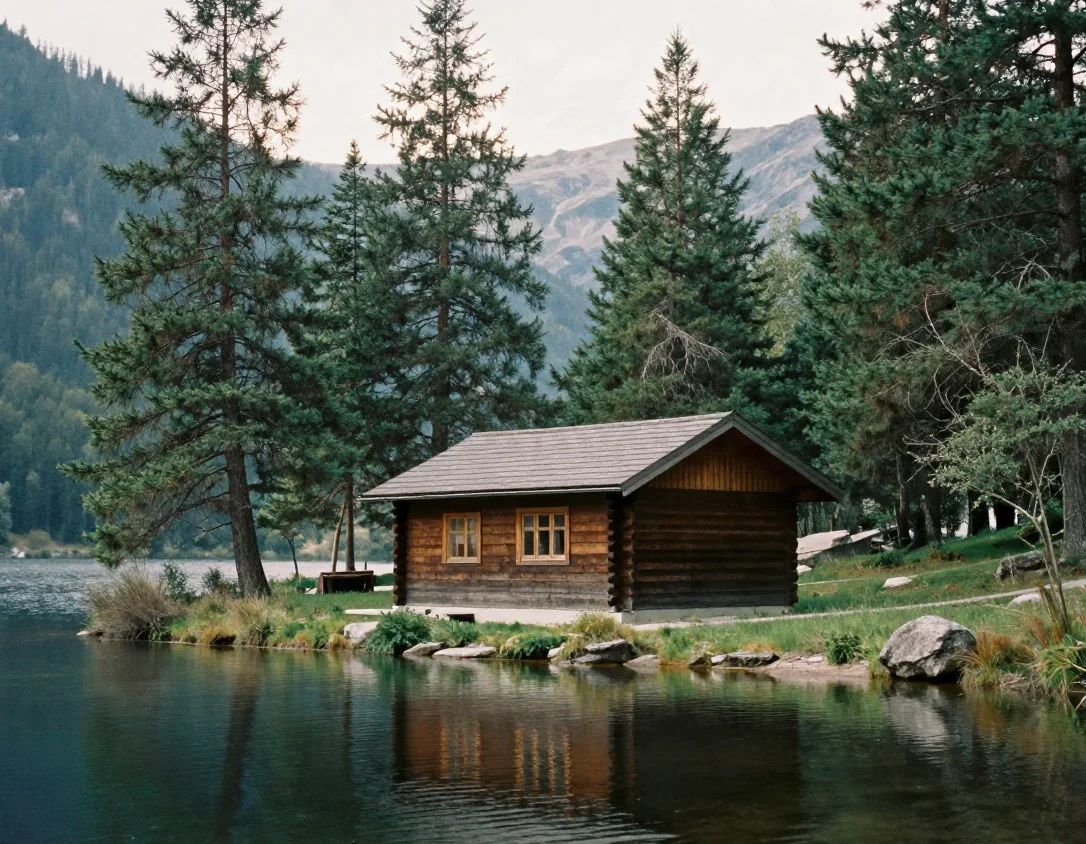
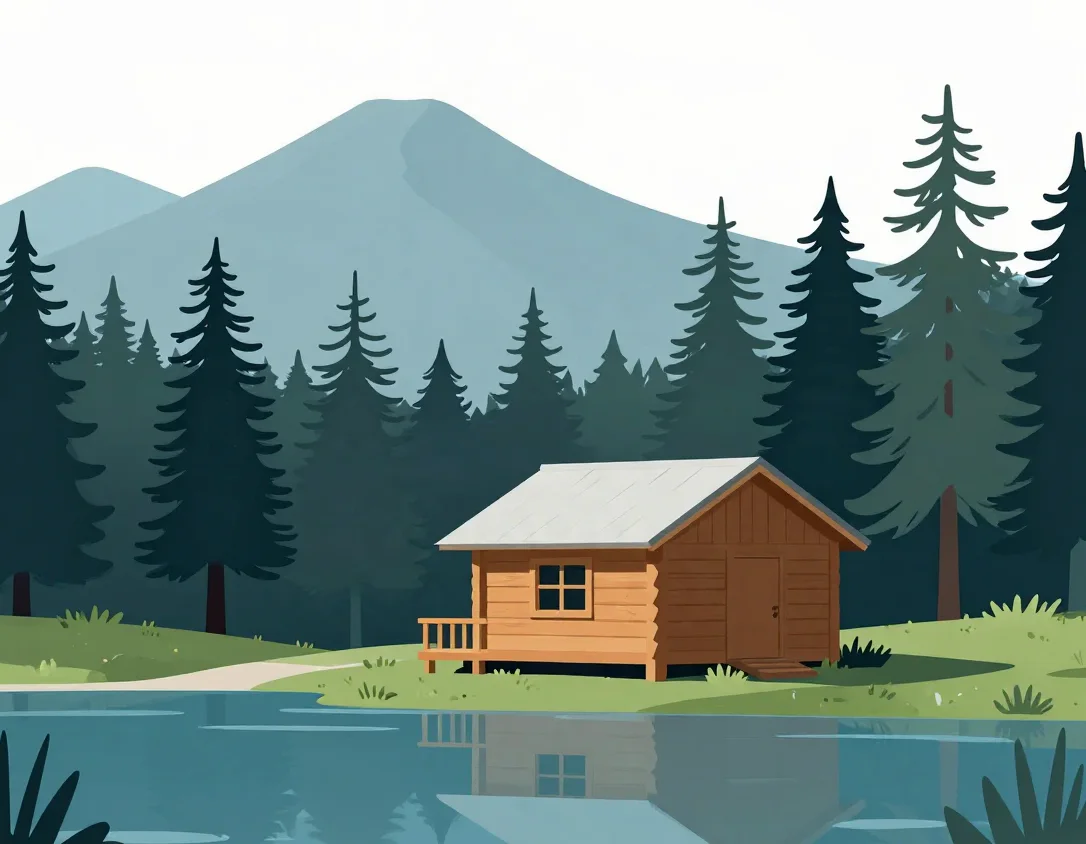
Seeds
What a locked seed gives you
A seed is the starting noise a model draws from. Keep it fixed and the model starts from the same place, so your prompt is the only thing that moves.
Test one word at a time
Swap "dawn" for "dusk" with the seed locked and you see what the word does, not a whole new picture.
Come back to an image later
Every result stores its prompt, avoid text, model, size, shape and seed. Run it again next week and get the same picture.
Hand a prompt to someone else
Download a recipe card and send it. Importing it here fills every setting, so they get your image, not a cousin of it.
Version tree
Every prompt edit becomes a version, with the words that changed marked
Change the prompt and a child version appears under the one you started from. The rail shows what was added and what was removed, so you can walk back to the version that worked.
- v1 → v1.1 → v2: branch from any version, not only the latest.
- A word-level diff between a version and its parent.
- Pin the best version; on a team plan, teammates see the shared tree.
Vary and Sweep
Two ways to explore before you commit
Vary
Same prompt, 4 on new seeds. Use it when the idea is right and you want a better composition.
Sweep
One prompt across a grid of seeds and looks, up to 8. Each row keeps one seed, so the columns show only the look changing. The cost shows before you run it.
Models and credits
Seed-capable models only, priced per image
Each model here repeats an image from its seed; we tested every one before listing it. Edits use a separate model that does not take a seed, so a re-run edit is a new take.
Z-Image, Qwen, Flux and Nano Banana are trademarks of their respective owners. ZimgAI.org is an independent service and is not affiliated with Alibaba, Black Forest Labs or Google.
| Job | 1K | 2K |
|---|---|---|
| Flux 3 Kleinper image | 11 | 17 |
| Z-Image Turboper image | 13 | – |
| Qwen Image 2per image | 47 | – |
| Edit (Nano Banana 2.1) | 28 | 41 |
| Upscale 2× | 10 | 27 |
| Avoid-list helper | 3 | |
Honest limits
Why the same seed can look different somewhere else
Another model
A seed is only meaningful inside one model. Seed 4242 on one model and seed 4242 on another are unrelated pictures.
Another size or shape
The starting noise depends on the canvas. Change 1K to 2K, or square to portrait, and the seed starts somewhere new.
A newer model version
Makers update their models. We label every result with the model it ran on, so you can tell when a re-run changed because the model did.
Edits and upscales
Edits are not seeded, so the same edit twice gives two takes. Upscales follow the image they start from.
How it works
How to make an image you can repeat
Three steps, then iterate as long as you like.
- 01
Write the prompt
Describe the picture in plain words. Add what to keep out in the avoid field.
- 02
Pick a model and generate
Choose a model, size and shape. Leave the seed random, or lock one to repeat an image.
- 03
Lock the seed and refine
Keep the seed of the image you like, change one thing at a time, and compare versions. Then edit, upscale or download. Edits and upscales work on images you made here; there is no photo upload.
Start here
Pick the page that fits the job
Each one opens the same studio with a starting point.
What it won't do
Limits we state up front
One free image, not a daily allowance
You get 11 on sign-up, enough for one image. After that, images cost credits.
No closed models
Models that ignore seeds are not offered, because the studio is built around repeating an image.
Nothing sexual, no real people
Prompts are checked before any credits are spent and every image is checked before you see it.
Files are kept 30
Download what you want to keep. The recipe card lets you make the same image again later.
Pricing
Credits for images, with no watermark
Start with 11 free credits. Plans add credits every month; the pack never expires.
Stop any time · money back within 14 days
Seed Pass
PopularFor regular text to image work with seeds you can repeat
$17.99$14.99/mo
Billed annually at $179.90
4,509 credits a month
≈ 409 images at 1K (Klein)
or ≈ 95 Qwen Image 2 images
- Not included: Every model, both sizes, Vary and Sweep
- Not included: Four runs at a time
- Not included: API keys and MCP for your own scripts
No card to start: confirm your email and 11 credits are added once, enough for 1 Flux 3 Klein image with a seed you can re-run. They never expire.
Plan not working out? Ask for a refund within 5 days of a monthly charge, 14 of a yearly one or 14 of a pack, if 10% or less of its credits were used. You get back the unused part.
Questions about seeds, versions and credits
Is it free?
Your first image is free: 11 credits after you confirm your email, enough for one 11-credit image. After that, images cost credits from a plan or the pack. There is no daily free allowance.
What is a seed?
A seed is the number a model uses to make its starting noise. The same prompt, model, size, shape and seed give the same image. Change only the seed and you get a new composition of the same idea.
Why does the same seed look different on another site?
A seed only repeats an image on the same model, model version, size and shape. Another site may run a different model or version, add words to your prompt, or use another canvas size, so its seed 4242 is not ours.
What does the avoid field do?
It lists what you do not want. On every model it is added to the end of your prompt as one "Avoid: …" sentence; it nudges the picture rather than filtering it, so describing what you want usually works better.
Can I share a prompt so someone gets the same image?
Yes. Download the recipe card (a small JSON file with the prompt, avoid text, model, size, shape and seed). Importing it here fills every setting, and the same model gives the same image.
Is this the official Z-Image site?
No. ZimgAI.org is an independent service. Z-Image Turbo is one of the models you can pick here; model names belong to their makers, and we are not affiliated with Alibaba, Black Forest Labs or Google.
Who owns the images I make?
You may use your images, including commercially, as described in our Terms of Service. You are responsible for what you prompt and publish.
What is the version tree?
Each time you change a prompt or its settings, the run is saved as a child of the version you started from, with the changed words marked. You can go back to any version, branch from it, and pin the best one.
What is the difference between Vary and Sweep?
Vary runs your prompt on 4 new seeds. Sweep makes a grid of seeds and looks, up to 8, so you can compare looks on the same seed. Both show the credit cost before they run.
What if an image fails?
An image that fails, or that the content check stops, costs nothing: its credits go back to your balance automatically.
Updated
Make an image you can make again
Your first image is free. Keep its seed and build from there.